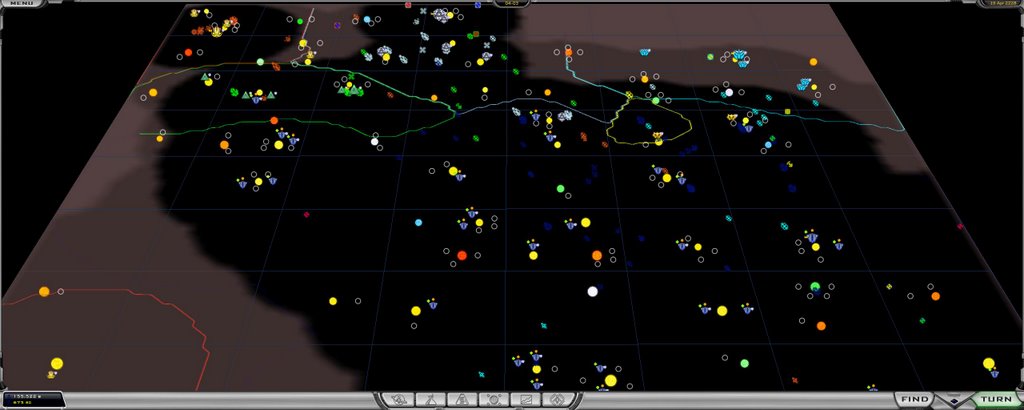
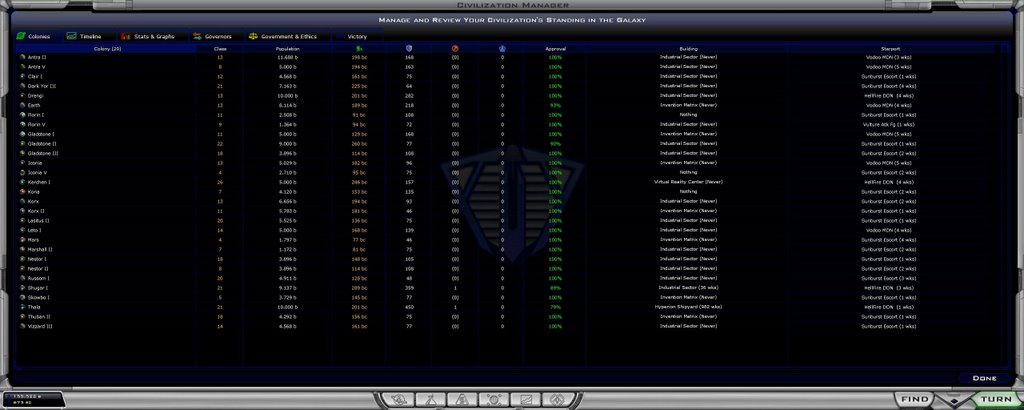
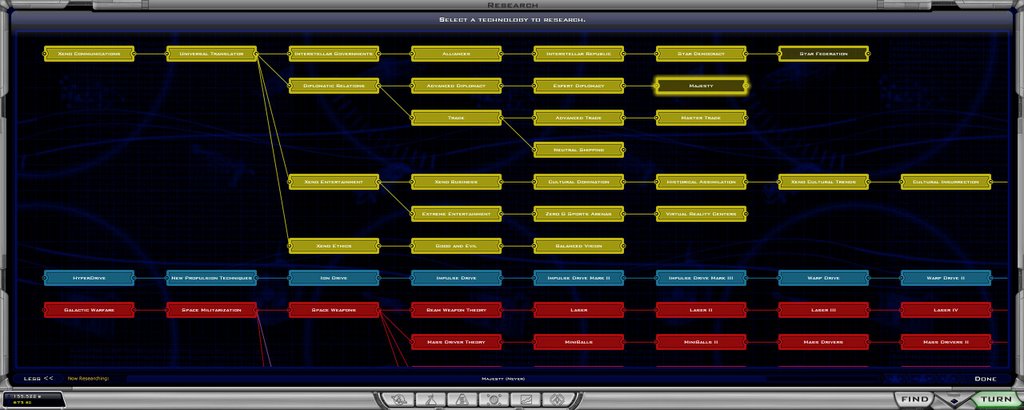
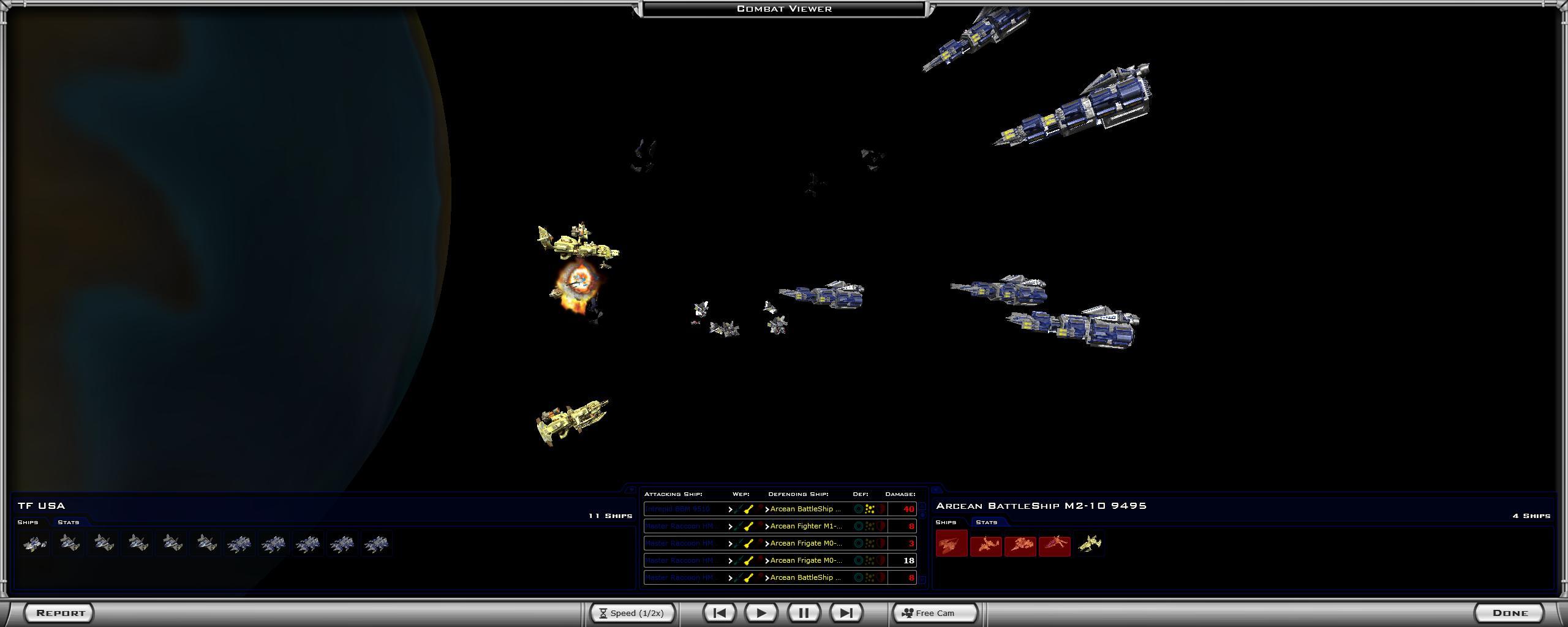
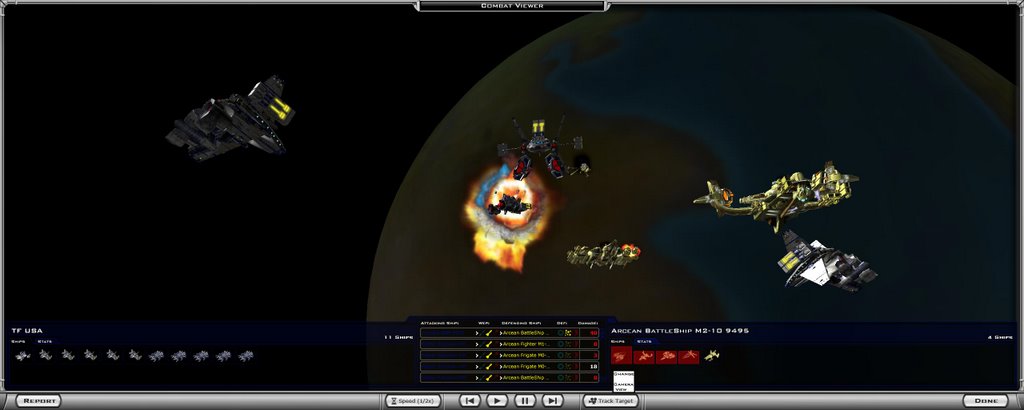
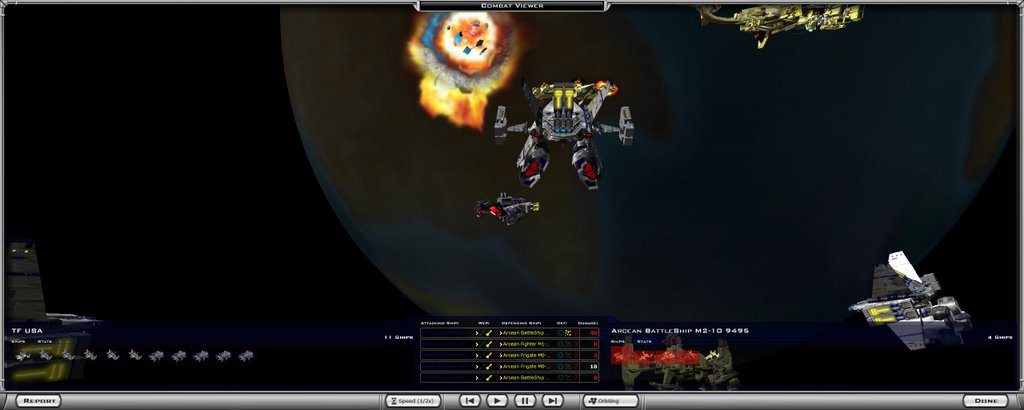
Game extending over Dual Monitors finally working right

So good I had to post the link to this old thread

https://forums.galciv2.com/?ForumID=162&AID=100434#914479
Follow this link for the complete discussion of how to get 2200x1024 resolution to spread across two monitors.
30,126 views 21 replies
Reply #1 Top
I am using this on two 19 inch monitors that I had previously used on 1280 x 1024 each. Now they are a giant widescreen 2200 x 1024 virtual monitor for the game, with space included for the galectopedia to be open 1005 of the time.
Reply #2 Top
Can someone with 2 LCD monitors try to see if they can get this to work with anti-aliasing on?
Reply #3 Top
Screen shot 2560 x 1024 resolution 2 monitors.


Reply #4 Top
I just added 7 more screenshots
More images

Link


Reply #5 Top
Just did some experimentation. I can get the game to work on both monitors.

I set the resolution manually in the pref.ini to 2560x1024.

The problem with the mouse cursor and slow movement was the anti-aliasing. When I set it to 0 the game worked. When I set it to 6 the problem surfaced. Fullscreen or windowed options had no effect.

On observation, though. The game is very usable over the two monitors, but the dialog screens are exactly in the center of the screen. It would be nice if a setup option allowed them to be placed the right or left side of the screen . That way they would appear on onemonitor or another. I think Win XP default is to have the left monitor your main one.

Flash , movie and setup screens and animations are streched. I noticed this when I was also playing at 1024 x 1280 rotated resolution. No bigge but the animations are squashed and you get short fat aliens.

One weird thing though. I can manually setup 2560 x 1024 in the pref ini file and it plays ok. But As soon as I start the game the resolution resets on the options screen to 1024x800. And rewrites the pref.ini file so that the next time I start it the game start 1024x800. Weird. I have to manually edit the pref.ini file every time I want to start 2560x1024. Just Weird.

The anti-aliasing problem may be just because of the power of my ATI Radeon 256 x800 Dell Graphics card or the fact that I am transitioning from my LCD monitor to CRT monitor, but by reducing it to 0 the problem seems to go away. I have not tried it on the 1 to 5 settings yet.

Hope this helps.
Reply #6 Top
Or alternatively a 2200 x 1024 image with galactopedia showing


Reply #7 Top
Anyone have a Matrox TripleHead2Go adapter? http://www.matrox.com/graphics/offhome/th2go/home.cfm Can you imagine having it on 3 screens?
Reply #8 Top
Anyone have a Matrox TripleHead2Go adapter? http://www.matrox.com/graphics/offhome/th2go/home.cfm Link Can you imagine having it on 3 screens?

It would look awesom but two screens is about as much mouse movement as I can take for extended periods.


Kosti.
I ahve 2 lcd 19"" mons and it works like a dream without anti but no joy with as of yet. I dont know about your card being the problem. I have an x850xt-PE and it slowed so much it was virtually uncontrollable even just to quit out.

Love the screen shots mate.(what did you use to grab them? My crappy pos only grabs sfcreen 1) I 'm the same as you, I prefer the full 2 screen mode. It's real easy to minimise and look at the Galactopedia.

Does anyone have any problems with the cutscenes I find with 2560x1024 they stutter very badly, Like they are being turned on and off very fast, Making them unwatchable. any ideas?

MD
Reply #9 Top


2 screens would seem to max out my mousie too.

Not sure if I like 2560 x 1024 more or something less like 2500x1024 or 2400 x1024 so that the monitor gap/split does not occur right along the center as so many things are auto centered. Must experiemt, more excuse to play........

Yeah, the game cut scens stagger now. I can live with that though. Help Stardock....

I grabbed the screen bu hitting the print screen key to capture to windows menory clipboard and I just used MS paint to paste them into a new file and saved it as a JPEG. I then posted them to a goggle blogger blog account I had opened to host the file. Go to www.google.com and click more to find the page where you can open a blogspot.com blog. Other places work very well too.
Reply #10 Top
Went to the matrox site . WOW. That may actually work. That would place the center of the map on the center screen. All I would need would be a cheap 19 CRT monitor in the middle.

Hmmmm Must experiment, more excuse to play,,,,,

Stardock oh Stardock, what have you done, you've created a monster..........
Reply #11 Top
Link

3 Monitor adapter 299 direct from Maxtor

Hmmmm Must experiment, more excuse to play,,,,,
Reply #12 Top
Kosti.

Just looked at that 3 screen adapter from matrox. looks great, But can you do the same thing with a second graphics card? Seen this Link

Yeah I think I need to play a for more than a few mins on other resolutions so as to be sure.

Isn't it weird how you can twist your own arm sometimes.

Like I need an excuse for another game.

I'm going in guys, I might be some time.

MD

Reply #13 Top
put 3 widescreens in portrait on that thing. that'd be pretty cool. i'm pretty happy at 1920x1200 on 1 screen. but 3600x1920? that's insane.

my movies have always streatched a bit, and they stagger if i have my anti-aliasing above 1. good thing i'm over them.

from matrox:
"...allows you to add three monitors with a combined resolution of up to 3840 x 1024..."

damn. but the way technology moves these days, i'd save my $ and wait a few more months.

my next step is a graphics card update. i'm looking at ATI's crossfire lines. but i have a compact chasis, so i have to buy x16 cards. and i just quit my job. so it's more of a pipedream.

still, pretty cool set up you got goin there, i got to say.
Reply #14 Top


Now thats what I call a setup
Reply #15 Top
i was looking at that, and trying to understand how the heck they're doing that. are they carring servers to support that many monitors, or what?

i like how they reference the "X-WALL" hahaha
Reply #16 Top
the nobel prize for chemistry in 2001 went to a team of researchers who discovered electro-conductive polymers by appending iodine to a polymer chain. another team extended the work to include light-emitting diodes at the end of these chains. what this means is, once this technology is fully developed, we'll have screens about as thick and very similar to polyester cloth, equally flexible, and cheap to produce. imagine a projector screen without the projector.
Reply #17 Top
the nobel prize for chemistry in 2001 went to a team of researchers who discovered electro-conductive polymers by appending iodine to a polymer chain. another team extended the work to include light-emitting diodes at the end of these chains. what this means is, once this technology is fully developed, we'll have screens about as thick and very similar to polyester cloth, equally flexible, and cheap to produce. imagine a projector screen without the projector.

Saw something about that. Possibly "paper", magazines with moving images in the future.

i was looking at that, and trying to understand how the heck they're doing that. are they carring servers to support that many monitors, or what?

Must be something like that.
I would get a bloody lousy refresh rate with my system, I know that.

Later guys the Drengin are picking a fight. (Just by looking at me)

MD
Reply #18 Top
HMMM I like Portait Mode 3 Monitors.

I am probably going to get a 2nd 19 inch monitor soon so I will be probably will be able to try at least 2 monitors in 2048 x 1280 mode within a few weeks with my existing graphics card.
Reply #19 Top
Current favorite is 2200 x 1024

That puts all center panels on t he left monitor, gives room for the galactopedia to be fully open, and allows a 9x 9 large map to be zoomed in and still show edge to edge over the two monitors

and the selected ship shows off enough inside the left monitor so that you can move it easily without crossing over to the right side monitor....
Reply #20 Top
Kosti, dystopic and all I Have found the answer
Full screen or windowed dual monitor with anti Anti-Aliasing and smooth cut scene playback.

You need to set the display options in the relevant graphics control panal not in Properties/settings.
The only drawback it that the desktop stretches across the whole 2 screens and all windows maxamizes that size.
So it has to be set back after.

You can set GalCiv2 to any res you like in game and the settings stey put.
I suggest that if you have a nvidia card that you check to see if settings can be saved as a shortcut.
I will be looking at my ATI control panal and let you know. First though another game.

Before I go. This approach will work with quite a few games so I have read but some will just resort to mirroring the monitors.

I tried it with Rome Total War which I have just been given (Looks great) and got the mirroring, It did recognise the wider resolution of the desktop but when selected just stretched the screen to twice its width.
Porky midgets make very funny looking warriors.

A full step through guide for setup in nvidia and ati can be found here Link

Hope this helps.

Reply #21 Top
ATI Catalyst 6.5 setup dont know about earlier versions but you should get the latest if possible.
Once you've followed the guide at extremetech.com - Link - then you will need to set your control panal to advanced go into Profiles then Manager
Composition tab check - All control Centre settings
Activation tab - I checked all the manually by buttons so I get a shortcut and hotkeys
Save
activate, then either quit or change other settings so you can have various settings for your desktop. I already have 3 for stretched, extended and single monitor desktops. Im going to do more for different resolutions and keep them in a folder with a shortcut on quicklaunch.
Shortcut name examples:

2560x1024 Ext - Extended Extra windows space . Things maximize in their own monitor
1152x864 Sin - Single screen - Obvious
2304x864 Str - Stretched - Windows stretched across both monitors and acts like a very wide single monitor, when you maximise a window it fills both screens as one and the taskbar is right across the both. I use this mode to play GalCiv2 - Nvidia call this span

Like I said I dont know about Nvidia controls so if anyone finds out please post here.