ObjectDock 3 Beta Feedback Thread


With the ObjectDock 3 (version 3.04) beta, we are creating this thread so that users can report any observed issues.  

Obtaining the beta:

Object Desktop members can get the beta from within Object Desktop Manager with Enable Object Desktop Insider builds (Early Access) enabled:

image-20260814-183714.png

Individual purchases (as well as Object Desktop Members) can also be obtained from your account page:

https://store.stardock.com/myaccount/products

Reporting an issue:

Please include the following for anything found:

  • Exact Windows version \ build (winver.exe)

  • Detailed steps to recreate the issue seen

  • Screenshots and videos are very helpful.  Videos can be uploaded to a cloud drive service (GoogleDrive, DropBox, OneDrive, YouTube), with a shared link included in your post.  Images can be copied and pasted directly into a post.

  • If there are specific apps that the app does not work (well) with, please note what apps and their exact versions.  If any app is not common, a link to a trial version would be appreciated.

Thank you for your interest and any time you put into making ObjectDock 3 a better product.

527 views 13 replies | Pinned +1 Loading…
Reply #1 Top

Date

  • October 8, 2026

Version

  • UI: 3.04

  • ObjectDock.exe: 3.0.4.0

Changes

  • Fixed: issue where certain URLs dropped onto dock would fail to get icon

  • Added: URLs dropped onto dock will now fetch favicon from the dropped domain and will use this icon by default. Icon can be reset to default icon using "Reset icon" in shortcut properties

+1 Loading…
Reply #2 Top

Known issues

While we appreciate all feedback, please remember that we offer no official support for beta \ preview \ developer channel versions of Windows. If you report issues while in any of those early release channels, you should not expect them to be addressed unless it still exists in a retail version of Windows.

Reply #3 Top

***Reserved***

Reply #5 Top
Quoting DamienCr, reply 4148360

Beta version 3.04 does not fix the issue that was first reported more than two years ago:

https://forums.stardock.com/531213/objectdock-3-x-not-compatible-with-windows-11-gt-24h1-showing-desktop-will-hide-dock-win-d

Could you please do something to address this issue?

End of DamienCr's quote

Hello,
Sorry to hear you are having issues. But, I can't reproduce your issue. Look like the Dock still show up on my system.


Thank you,
Basj,
Stardock Community Assistant.

Reply #6 Top

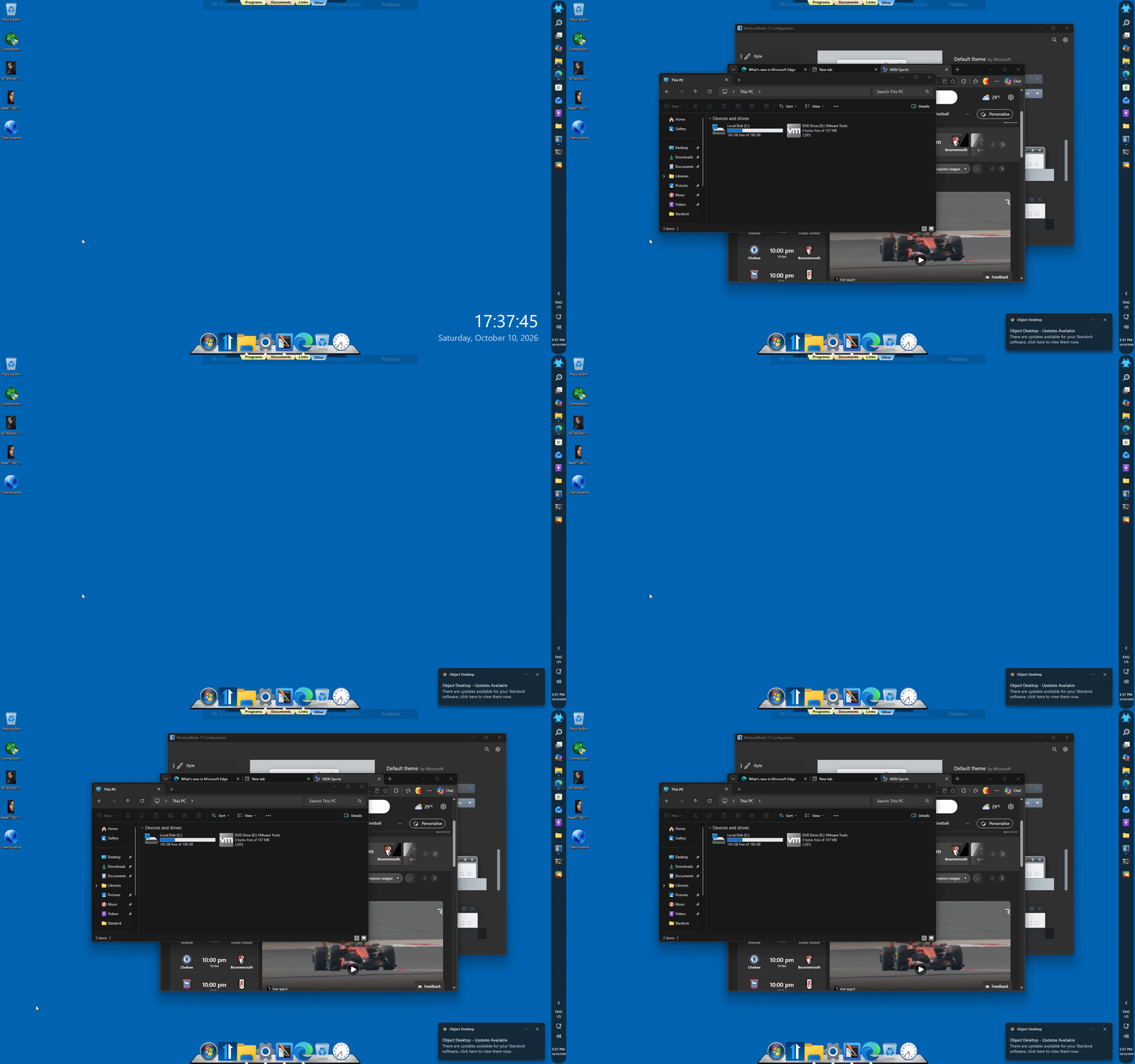
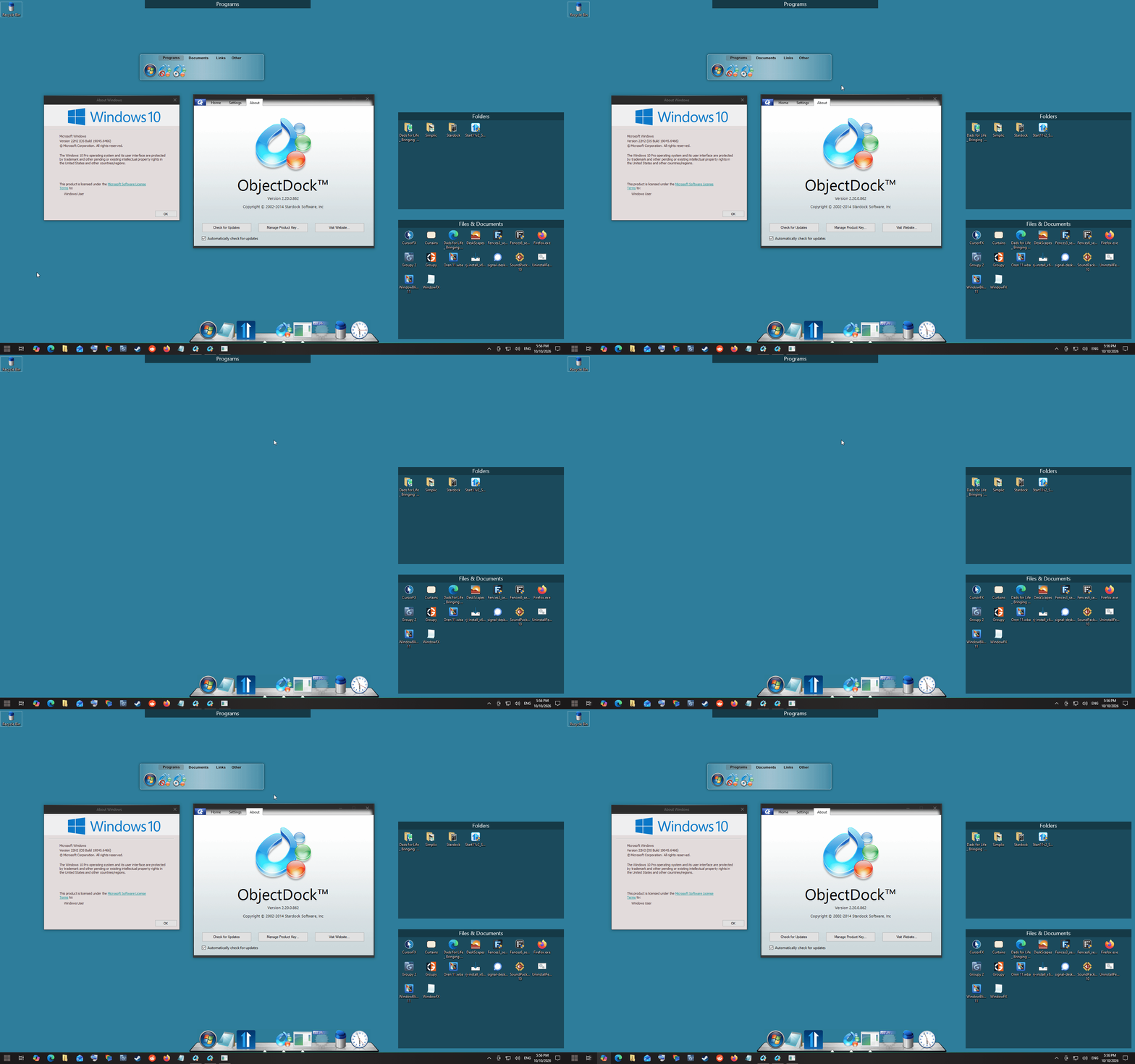
If you was referring to floating Tab docks this is what I get on Windows 10 with old ObjectDock 2.2 the float tab dock always get hidden with Win+D when it is floating

Thank you,

Basj,
Stardock Community Assistant

Reply #7 Top

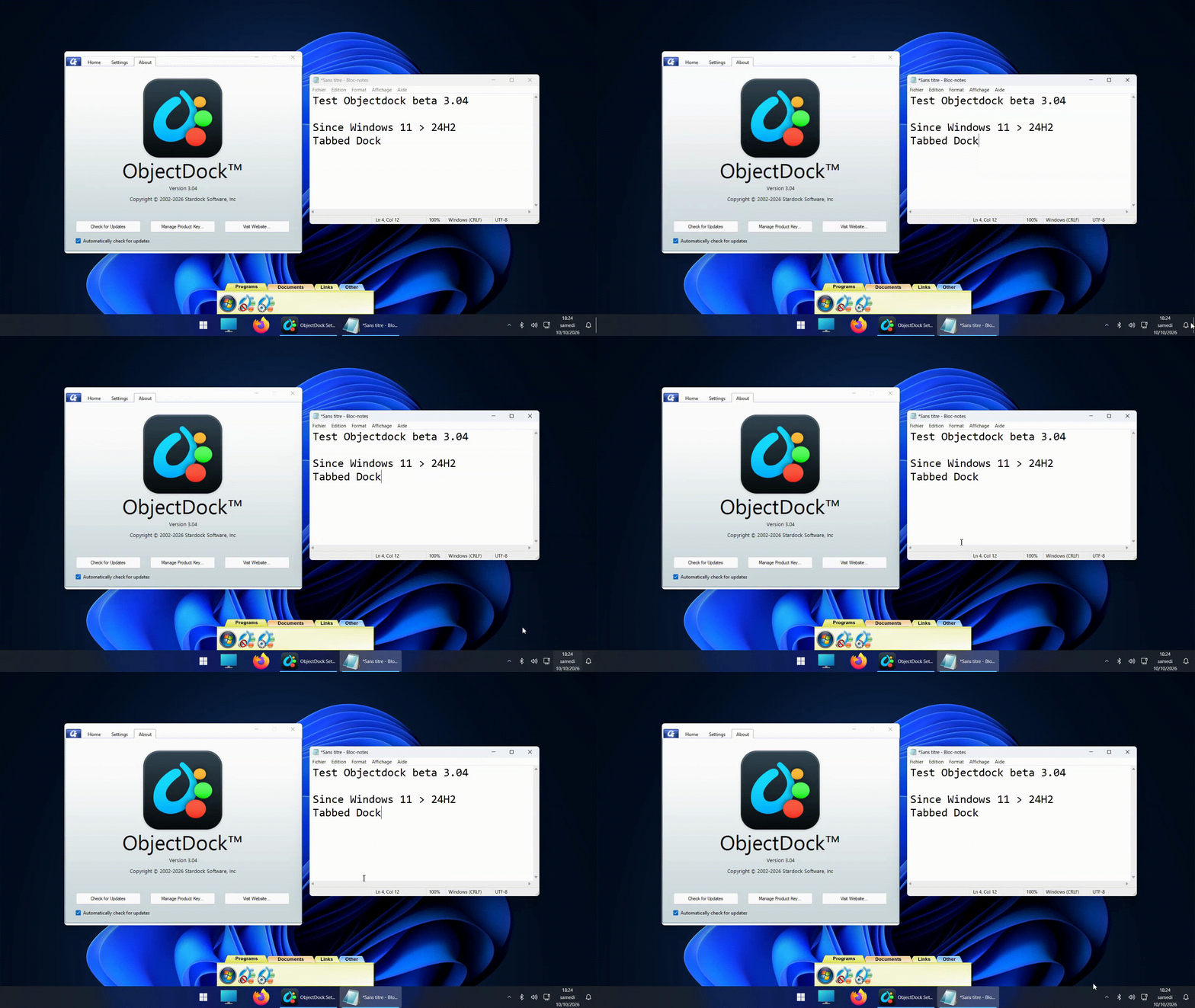
Win + D, or clicking the bottom-right corner of the desktop, consistently makes the tabbed docks disappear.

This behavior did not occur before Windows 11 version 24H2.

Developers of applications such as Rainmeter and other desktop customization tools have since fixed this issue.

Reply #8 Top

This option no longer has any effect on tabbed docks + floating position since Windows > 24H2

Reply #9 Top

Downloaded and using it now, no problems that I can see. Good job! :-)

Reply #10 Top

The Win+D problem is not unique to ObjectDock. Rainmeter fixed skins disappearing under Windows 11 24H2 in version 4.5.22 on April 11, 2025, and Winstep Xtreme 25.7 fixed comparable dock and taskbar visibility problems on July 29, 2025. Both fixes are explicitly documented in their official release notes

While the underlying implementation may differ, these are documented examples of other developers resolving the same visible symptom. Please provide a concrete update on ObjectDock’s reported issue rather than treating Windows changes as the end of the discussion.

Sources :
"On Windows 11 24H2: showing desktop will hide rainmeter widgets"
"Rainmeter: Fixed a problem with Windows 11 version 24H2 or later, that didn't allow Rainmeter skins to remain visible when the WIN-D (Show Desktop) function of Windows was used."
"WIN+D Behavior Fixed: Docks and similar elements now remain visible on Windows 11 24H2 when showing the desktop."

Reply #11 Top

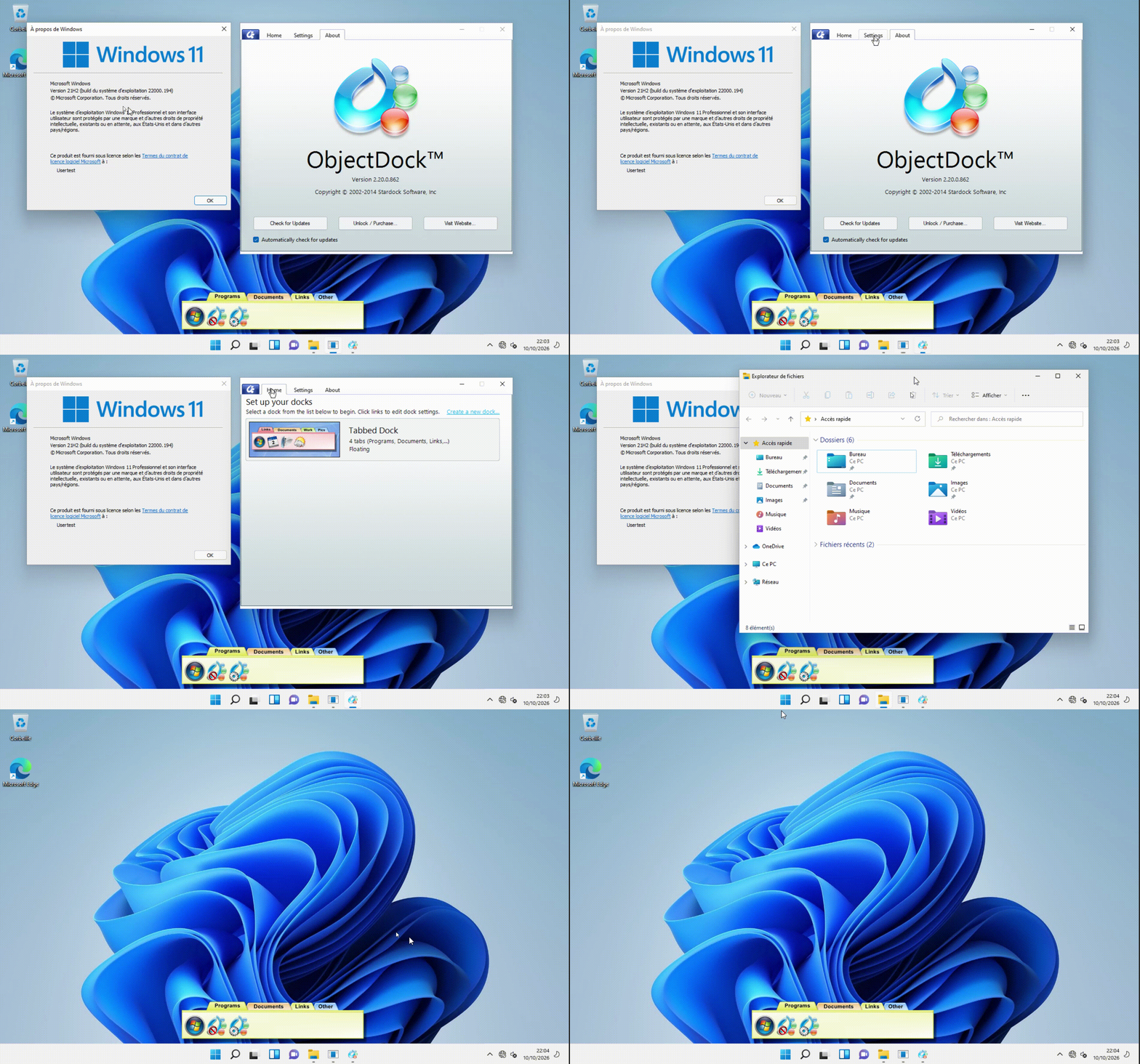
I tested an older Windows 11 ISO (21H2) with an older version of ObjectDock (2.20.0.862).

With a floating tabbed dock and the setting to keep it visible when pressing Win+D enabled, the behaviour is exactly as expected:

  • Application windows appear in front of the tabbed dock.
  • When pressing Win+D, all application windows are minimized, but the tabbed dock remains visible on the desktop.

This test demonstrates the standard behaviour we have always had with ObjectDock, which stopped working following the Windows 11 24H2 update.

This is the behaviour we want restored in ObjectDock. Rainmeter and Winstep developers have already corrected comparable Win+D visibility issues in their software. Please refer to the original thread, which dates back to October 2024.

Reply #12 Top

Quoting DamienCr, reply 4148387

I tested an older Windows 11 ISO (21H2) with an older version of ObjectDock (2.20.0.862).

With a floating tabbed dock and the setting to keep it visible when pressing Win+D enabled, the behaviour is exactly as expected:

  • Application windows appear in front of the tabbed dock.
  • When pressing Win+D, all application windows are minimized, but the tabbed dock remains visible on the desktop.


This test demonstrates the standard behaviour we have always had with ObjectDock, which stopped working following the Windows 11 24H2 update.

This is the behaviour we want restored in ObjectDock. Rainmeter and Winstep developers have already corrected comparable Win+D visibility issues in their software. Please refer to the original thread, which dates back to October 2024.

End of DamienCr's quote

Hello,
Thank you for the added information and video. I have forwarded your problem/question to Stardock Support Team for their assistance. Please keep an eye on this thread for any updates. We appreciate your feedback and patience. 

Thank you.
Basj,
Stardock Community Assistant

+1 Loading…
Reply #13 Top

Hi DamienCr,

Quoting DamienCr, reply 4148360

Beta version 3.04 does not fix the issue that was first reported more than two years ago:

https://forums.stardock.com/531213/objectdock-3-x-not-compatible-with-windows-11-gt-24h1-showing-desktop-will-hide-dock-win-d

Could you please do something to address this issue?

End of DamienCr's quote

That is correct.  Nothing in the listed changes for version 3.04 mentions this behavior.  The fixes for URLs were implemented to accommodate other customers that reported a separate issue. 

As mentioned on your thread, we are fully aware of the issue with hiding docks.  If there is a change regarding that, we will let you know.

Best regards,

Adam McGuinness
Stardock Support Specialist