Large Start Button Issues

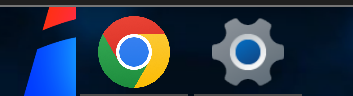
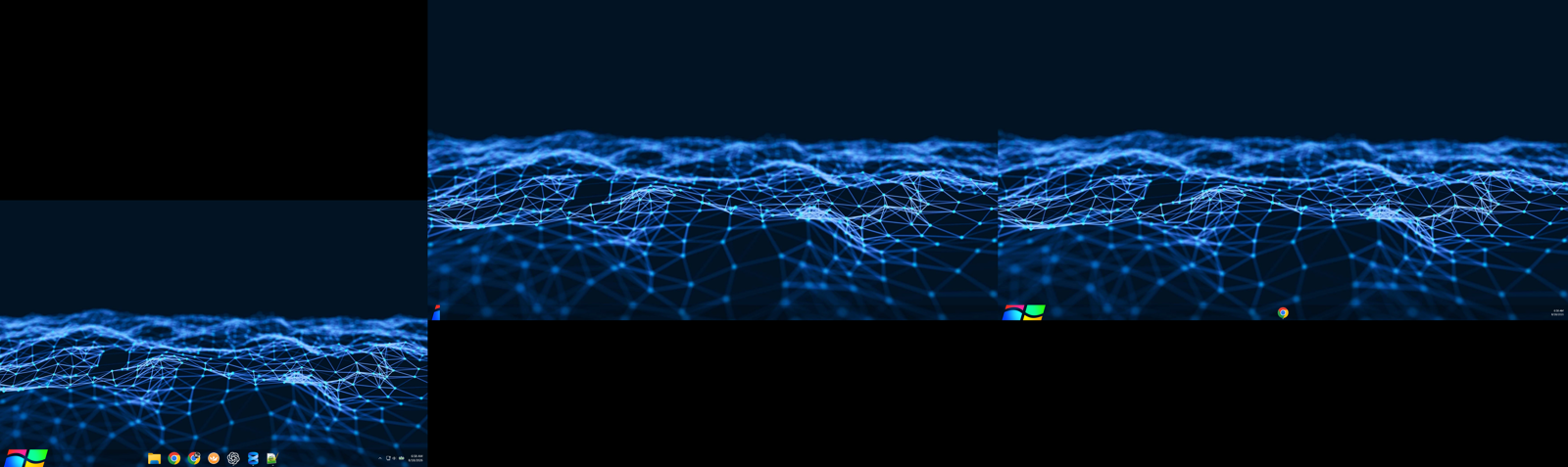
Trying to troubleshoot this issue on my middle monitor. It seems like the render area for the tray icons might be overlaying the render area for the start menu and clock. The issue sometimes moves back and forth between my second and third monitors. 

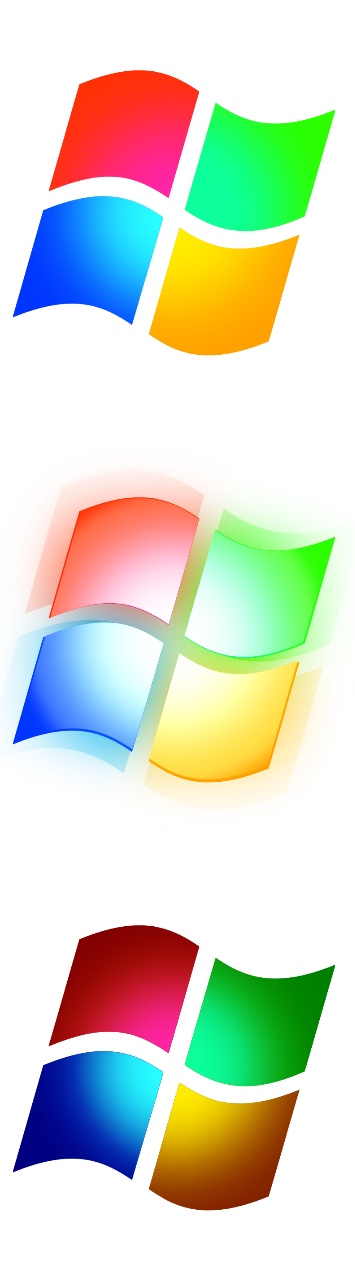
Additionally, I'm wondering if it's possible to expand the area that fires the hover event that changes the start orb image. Currently it's only the original size of the stock windows orb, but my start button is larger. I can click the area outside the hoverable area and the start menu will appear. Note: while typing this paragraph I noticed it actually works as expected on my third monitor, but on my primary monitor it acts as I described here.
414 views 11 replies
Reply #1 Top

Hello,

Sorry to hear you are having issues. Please try, uninstall Start11, reboot immediately (important), download latest version available in your account product download page: https://store.stardock.com/myaccount/products. Install it, reboot immediately again. Retest it and report back. If the same issue still appear, we need few more details.

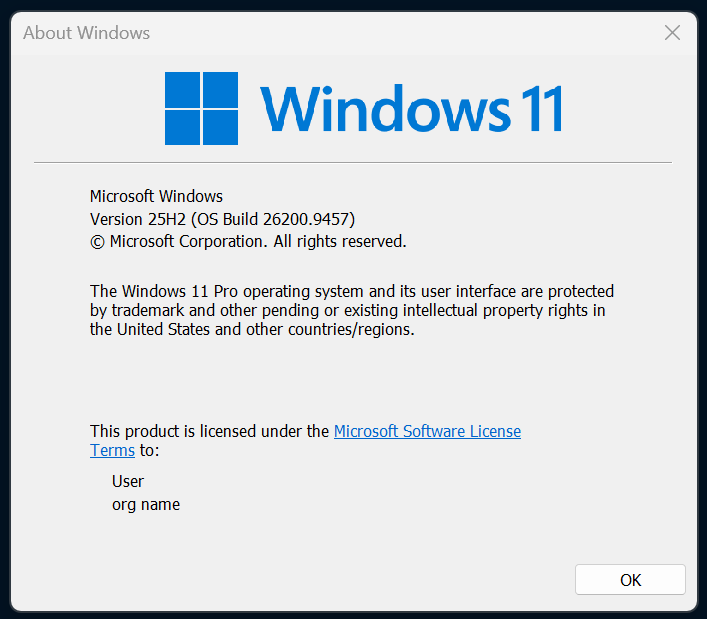
  1. Windows full version and OS Build number. Use Winver.exe.
  2. Start11 full version number installed.
  3. If you use custom start button that come with Start11, does you see the same issue?

Thank you,

Basj,

Stardock Community  Assistant.

Reply #3 Top

Thanks for your video. It look strange. Is there any different if you set the Start11 Start button Center? or Left Start button with all the Taskbar buttons also set to left? Just as a test to see if it make any different. Try those and report back.

Also, I believe the issue appear on specific monitor. Does those other monitors have the same issue? Also, need to know few things on your monitors.

  1. Each monitors resolutions.
  2. Each monitors Windows Scale factor (100%, 150%, 200% etc)

Thank you,
Basj,
Stardock Community Assistant

Reply #4 Top

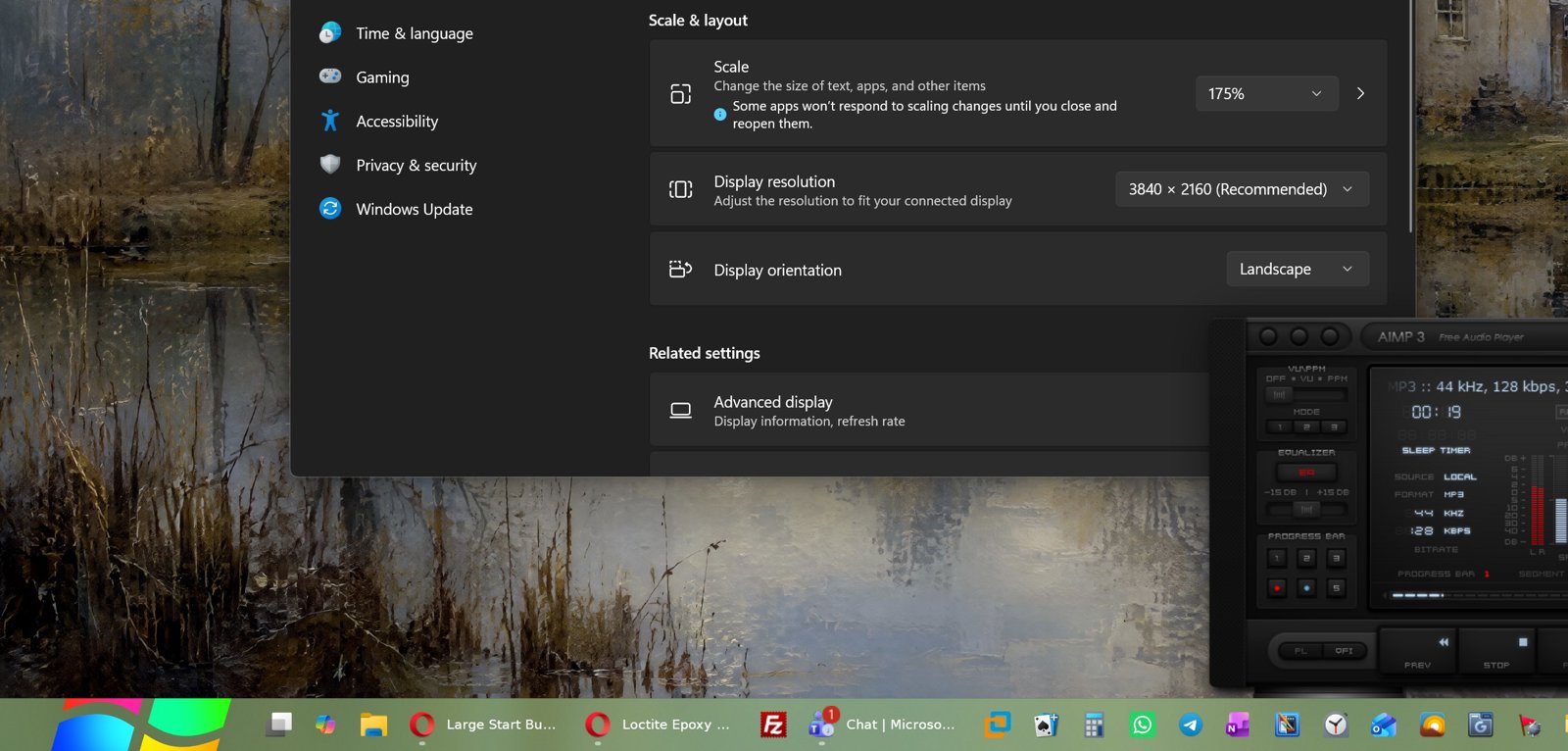
This is a laptop (Lenovo x1 Carbon) with a docking station and two external monitors. 

1. Laptop - 2880x1800 @ 175%
2 & 3. 3840x2160 @ 150%

The issue mainly happens on 2 but I've also caught it happening on 3 from time to time.

Left Aligned: 

Center Aligned: 

Reply #5 Top

So it work on Center aligned? 

I believe there is a limit of how large the Start button size. Please share your Start button file so I can test it on my system.

Thank you,
Basj,
Stardock Community Assistant


Reply #7 Top

Unfortunately, I can't reproduce your issue on my system. This is what I see on my system.

Perhaps, something is conflicting with Start11, would like to suggest Clean Boot, please refer here for steps. https://support.stardock.com/space/SHC/1334935592/Start11+Clean+Boot. Do note Clean Boot need to be done with care. Try it and report back.

Thank you,
Basj,
Stardock Community Assistant

Reply #8 Top

I'm assuming this is a multi-monitor, mixed DPI, mixed resolution test environment? I ask because I never see the issue if my laptop is the only screen in use.

Reply #9 Top

Yes, it is on dual monitors system. The screenshot was from the primary monitor, but, I also don't see the issue on my secondary monitor. tested with 100% and 175% scale on both monitors or one at a time.

Thank you,

Basj,
Stardock Community Assistant

Reply #10 Top

This could be a strictly triple monitor problem. If I duplicate the monitor two display onto three, or if I close my laptop lid so only monitors 2 and 3 are active, it displays correctly. I'll try your suggested clean boot as soon as time permits. Thanks.

Reply #11 Top

I don't have triple monitors setup to test it. However, I have forward your issue to Stardock Support Team for their assistance. Please keep an eye on this thread for any updates. We appreciate your feedback and patience. Thank you.

Basj,
Stardock Community Assistant