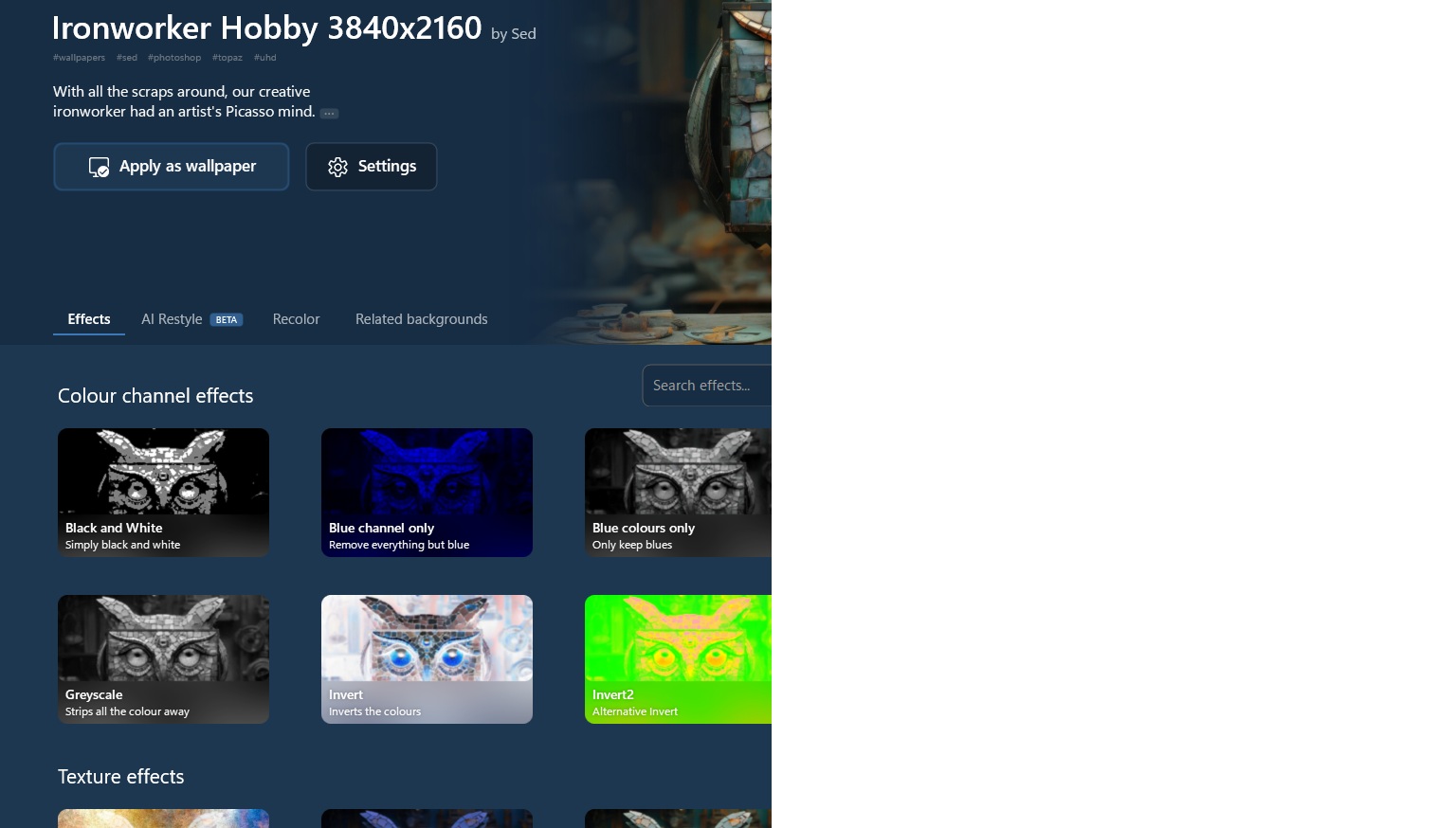
Black and White Video and Picture backgrounds

Deskscapes 2026 Black and White Backgrounds only.

Hello,

I re-downloaded and installed Deskscapes 2026 again today.

Both Video and Photograph backgrounds only display in Black and White.

1) Re-installed Direct X and rebooted.  (Even the old Setup for DX9) and rebooted.

2) Installed the Standard K-Lite Codec Pack and rebooted.

3) Selected all three of the video types to use in the Deskscapes settings - same result.

System Info:

Device name VIC-20000

Processor AMD Ryzen 7 3700X 8-Core Processor (3.60 GHz)

Installed RAM 64.0 GB

Graphics card NVIDIA GeForce RTX 3080 Ti (12 GB)

System type 64-bit operating system, x64-based processor

Dual monitor setup. Tried both video and photograph backgrounds at 2560 x 1440 (Monitor 1 - Primary), and 3440 x 1440 (Monitor 2) resolutions.

Edition Windows 11 Pro

Version 25H2

OS build 26200.8973

Edit: Neglected to add: Deskscapes 2026 version 26.0.1.1
262 views 5 replies
Reply #1 Top

Hello,

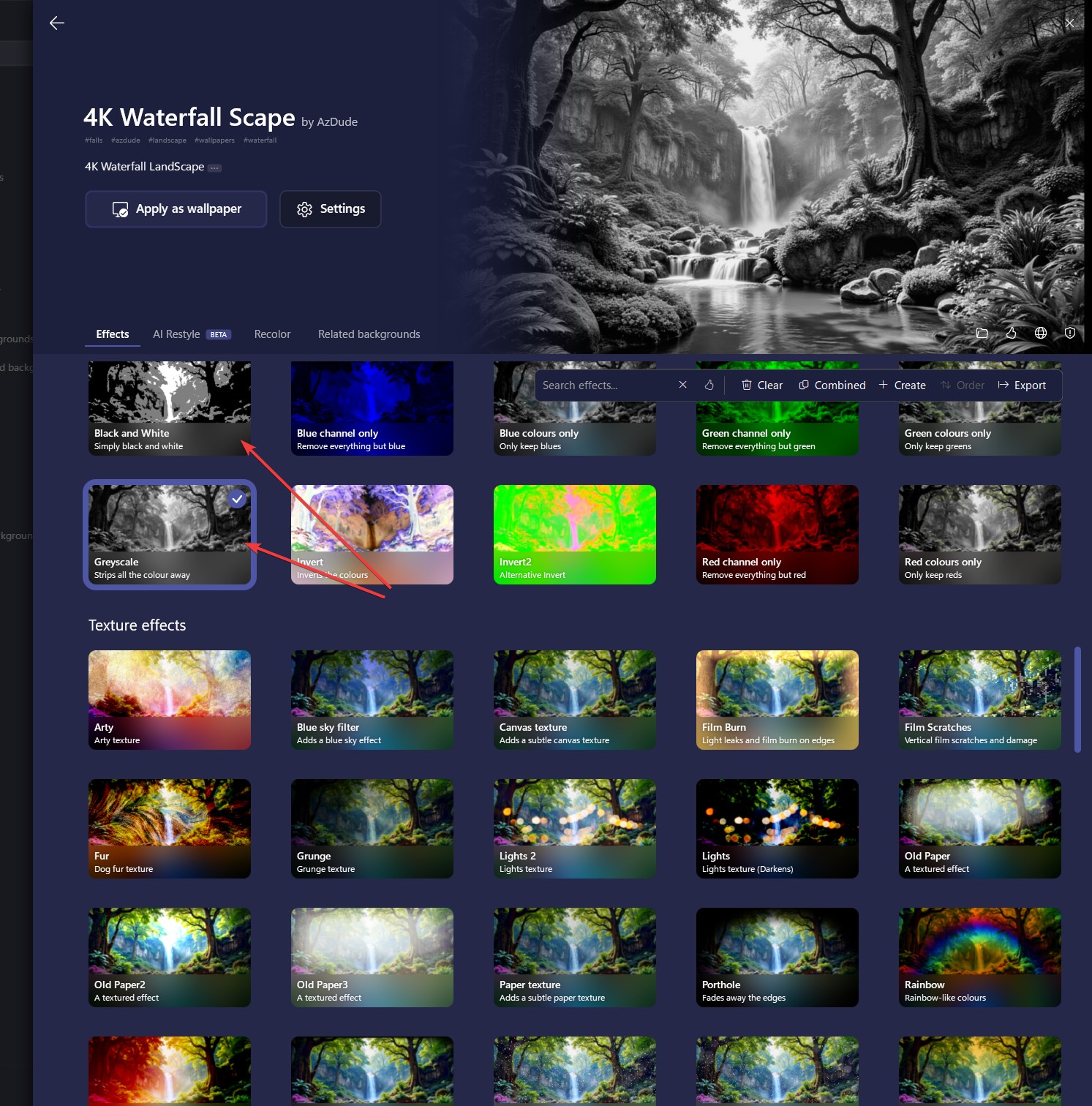
Sorry to hear you are having issues. That is strange, Perhaps, you have turn on this desktop effect? Please check your settings.

Thank you,

Basj,

Stardock Community  Assistant.

Reply #2 Top

Hi there.


Thanks for getting back to me.

Neither of the "Black and White" or "Greyscale" effects were selected.  (No effects have been selected)

I thought of that too and scrolled through all of the effects, and verified that none have been selected.


Reply #3 Top

Please try purge and reinstall steps as mention here : [Link]. Just make sure to redownload the latest version from your account page. Reboot after the purge. Reinstall and reboot again after the installation. Retest and report back here.

Thank you,

Basj,

Stardock Community  Assistant.

Reply #4 Top

That's funny.  I actually just did that.

I uninstalled Deskscapes 2026, and had it "remove settings" as well as "Remove Downloaded Dreams".

Rebooted, re-installed and now I have color.

Thank you for your assistance!

- Sprenon


Reply #5 Top

Great, glad to hear you resolved it.

Thank you,

Basj,

Stardock Community  Assistant