Halloween DesktopX Treats!

We showed off some cool desktop wallpapers for Halloween, and now I wanted to show off some DesktopX created treats!  Some of these might be gadgets, widgets, or entire DesktopX Themes.

Creepers Halloween Countdown

Halloween Clock

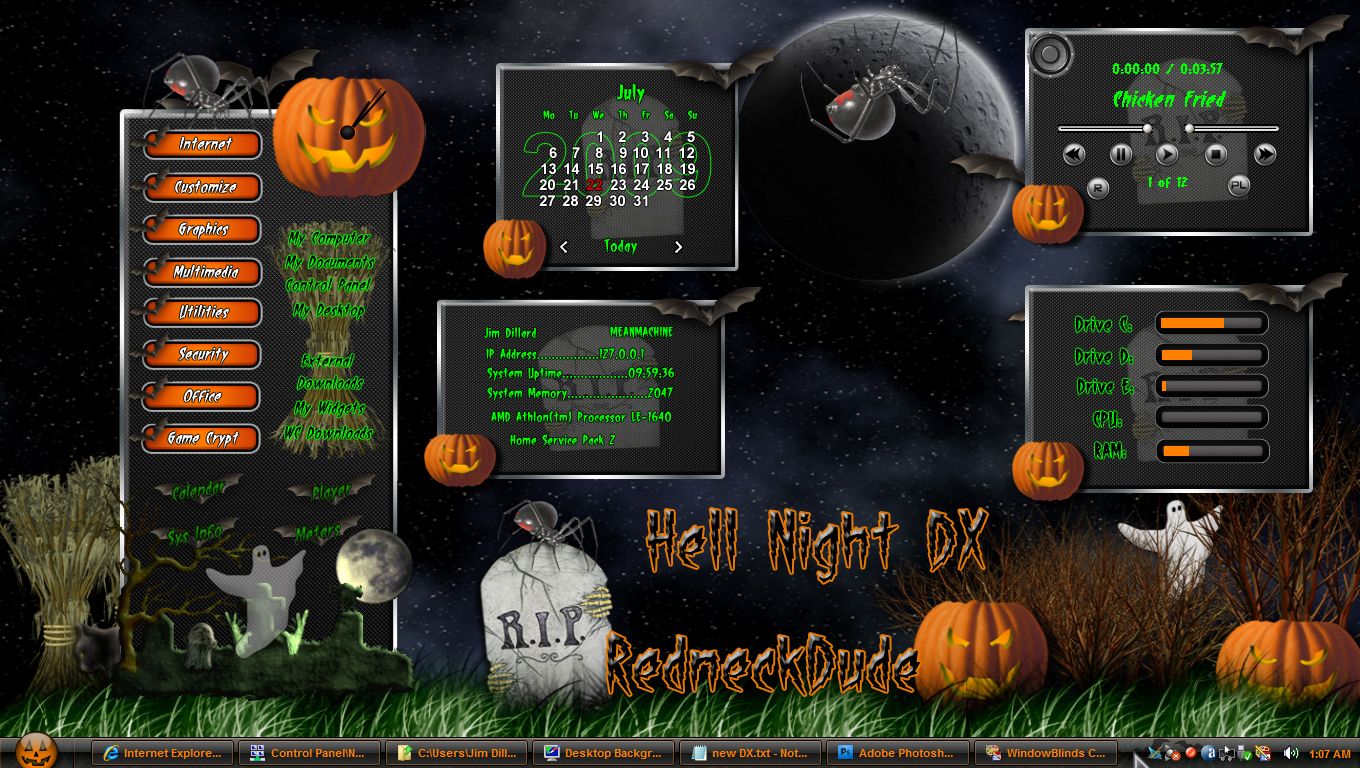
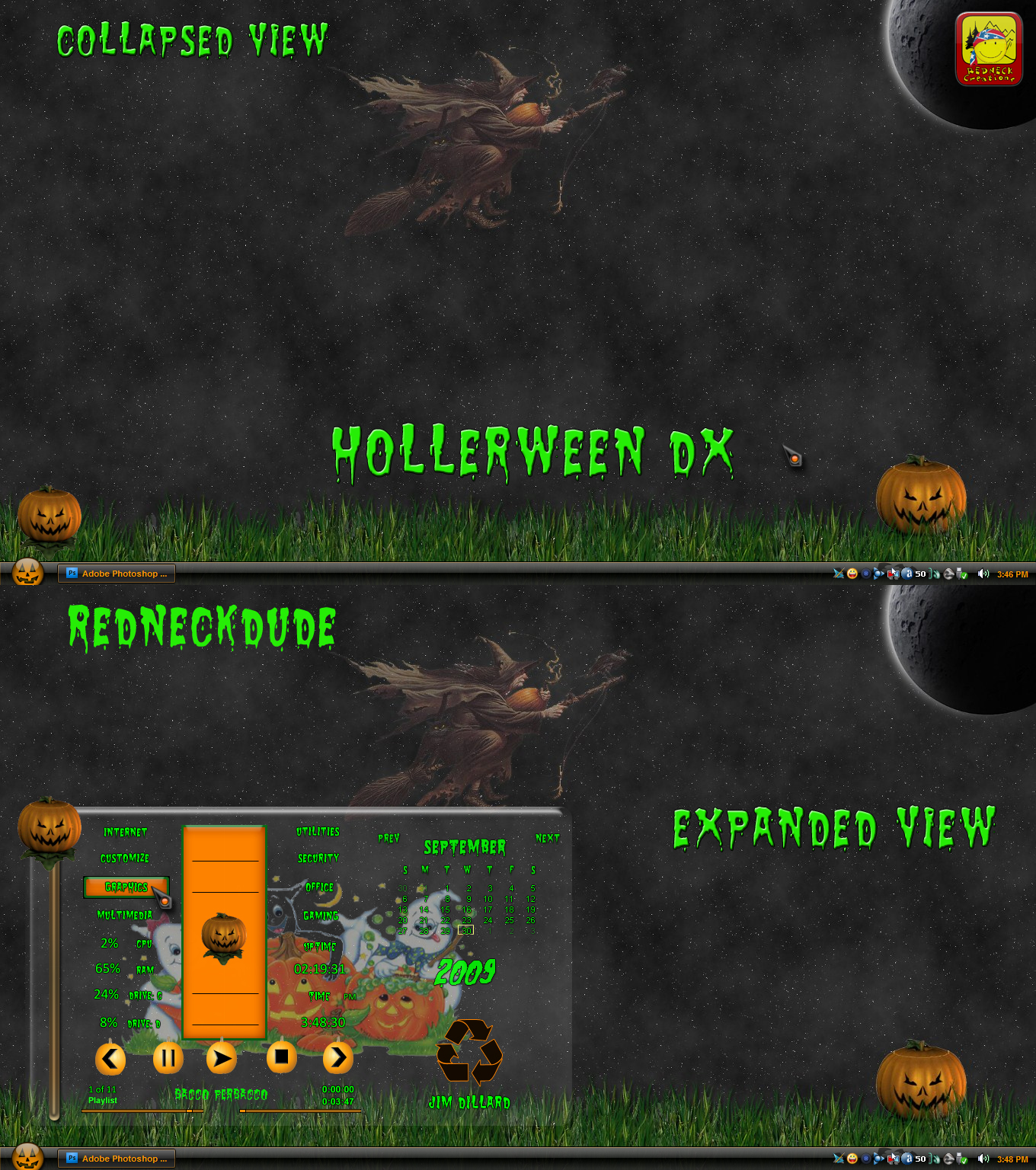
Halloween DX

Halloween Lights

Creepers Desktop

Candle Pumpkin

Ghost Time

Spooky Eyes

64,138 views 17 replies
Reply #1 Top

Good, fun stuff!

When clicking on Creeper, it brings up a mostly blank page with nothing to download.

Reply #2 Top

Creeper for your Desktop link seems to be broken. Getting blank page with black line going through it and not all the grqphics on the right side of the page.

Reply #3 Top

Echo echo  echo   :-"

Reply #4 Top

Not sure what's wrong with it.

Reply #5 Top

Hi

Hmm yes it is a blank page , long one too, with a black bar in the middle which you can click and see the image preview.

I figured it out, it seems to be a html or ie9 parsing error.  Turn on IE9 page compatibility view in the address bar and the page reloads just fine.

Cheers

GigaByte69

+1 Loading…
Reply #6 Top

Quoting GigaByte69, reply 5
Turn on IE9 page compatibility view in the address bar and the page reloads just fine.
End of GigaByte69's quote

Good info, works here now, and yes, I'm using IE9. :thumbsup:

One other note: Halloween DX tries to use the old weather feed so it won't load. Maybe WeatherBound can update it before the holiday.

Reply #7 Top

Using Firefox here

Reply #9 Top

Got it. Thanks

Reply #10 Top

It's hard to mention great DX stuff without mentioning RnD, but somehow, he was overlooked in the OP.

Not to worry, he's a tireless self-promoter! XD

Reply #11 Top

Quoting Wizard1956, reply 10
Not to worry, he's a tireless self-promoter!
End of Wizard1956's quote


:blush:            O:)  

BTW, I'll have you know I just bought new tires!  :annoyed:

Reply #12 Top

I know....silly.    :moo:

Reply #13 Top

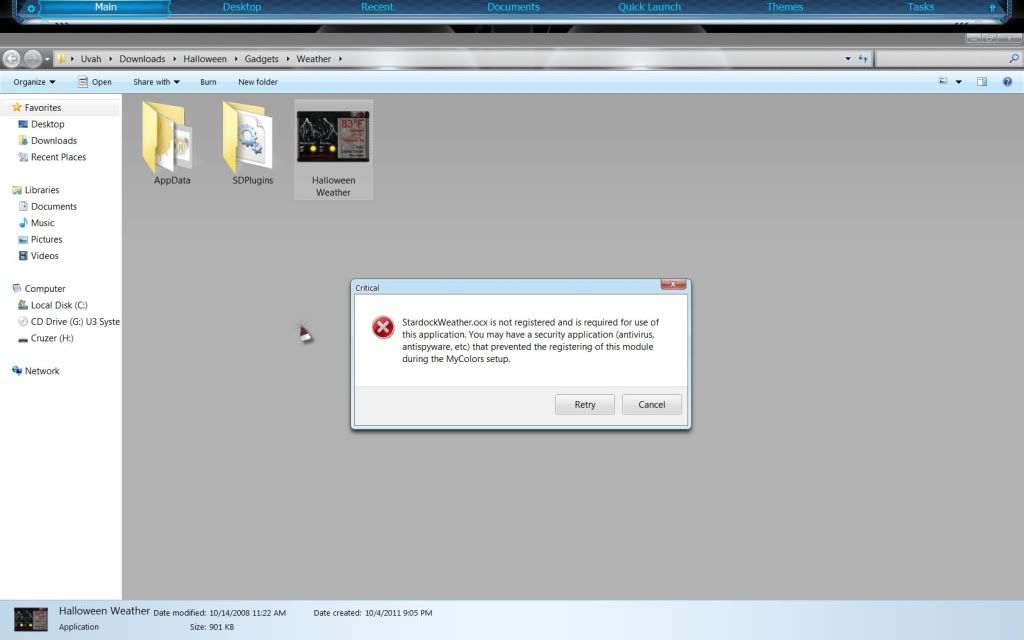
Getting this when trying to open the weather widget. I don't have Mycolors

Reply #15 Top

Quoting RedneckDude, reply 14
Get this and I'll try to see what you need to do with it.


http://sd.stardock.com/ken/stardockweather.ocx 
End of RedneckDude's quote

It should be in here:C:\Program Files (x86)\Common Files\Stardock

Reply #16 Top

Nope. What's in there is ODZip.dll   Nothing else

Reply #17 Top

Quoting Uvah, reply 16
Nope. What's in there is ODZip.dll   Nothing else
End of Uvah's quote
Well then....put it in there!