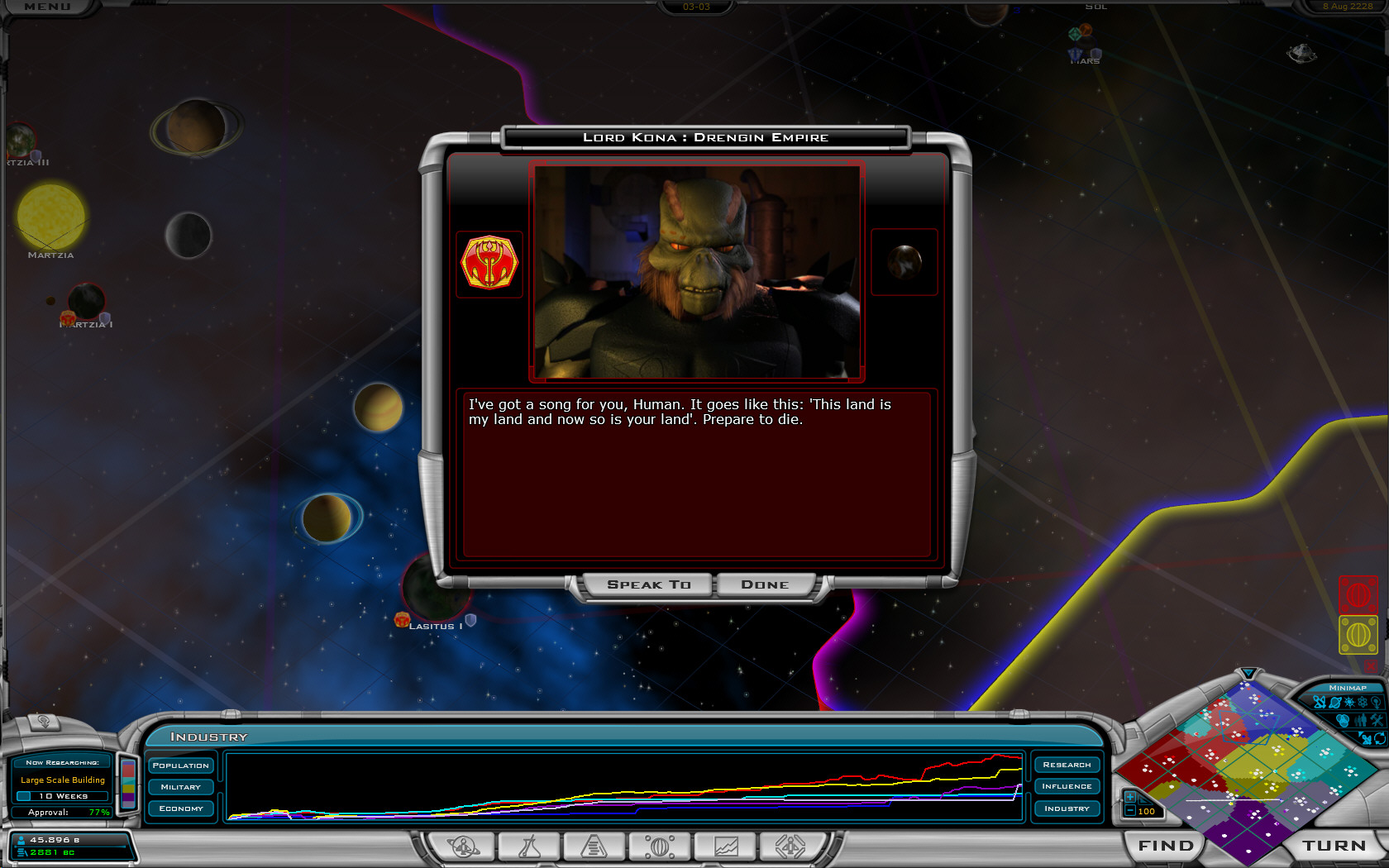
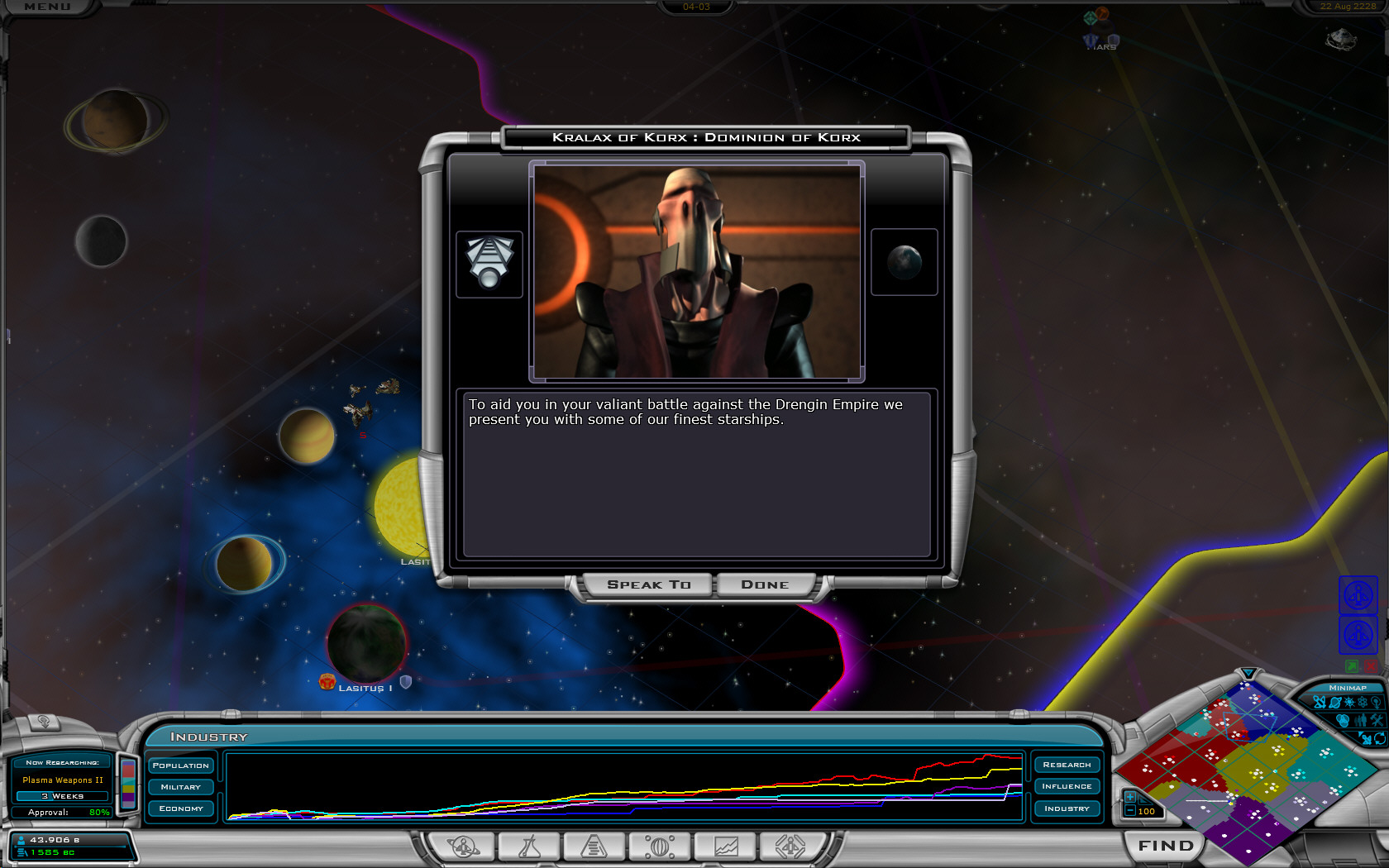
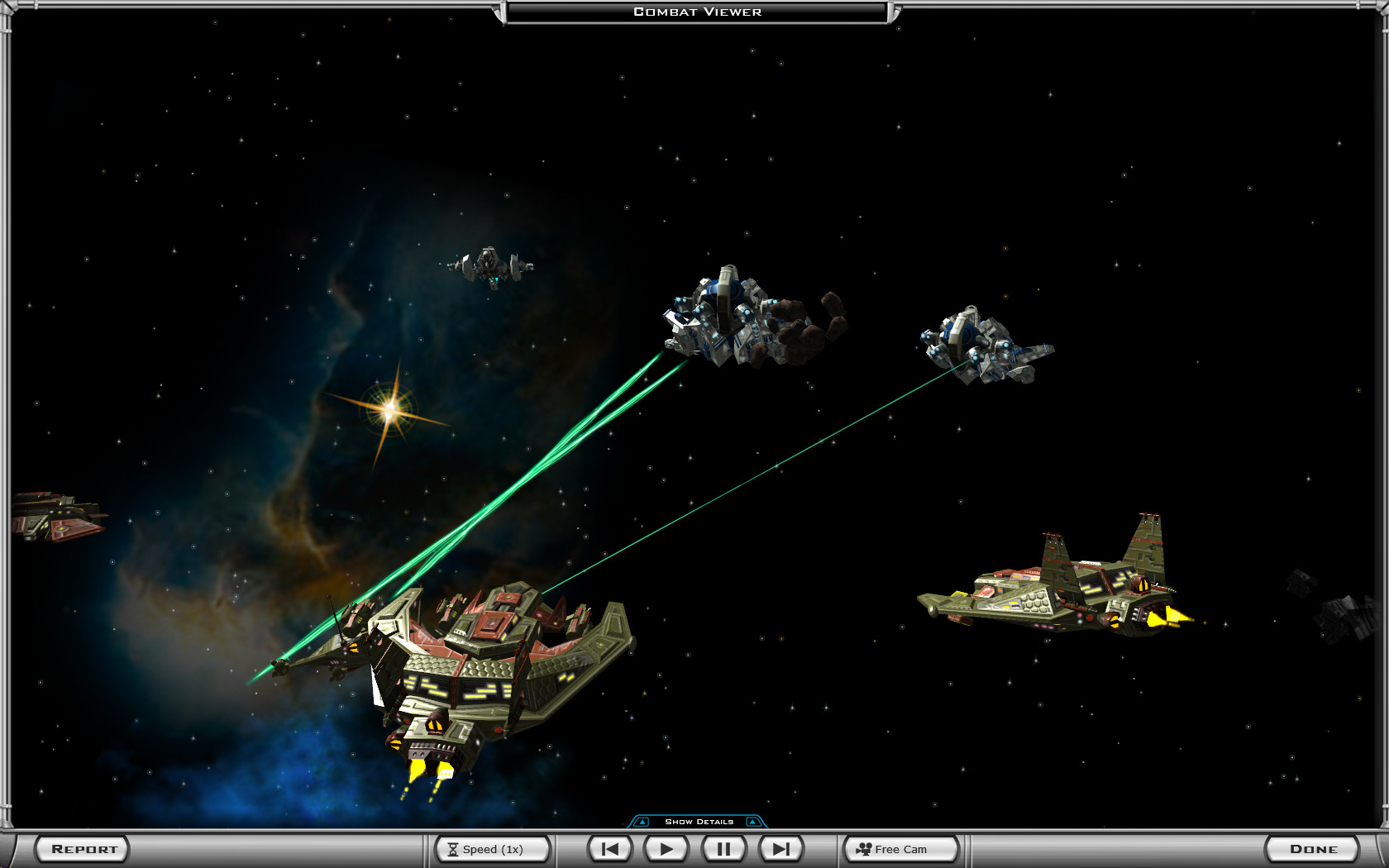
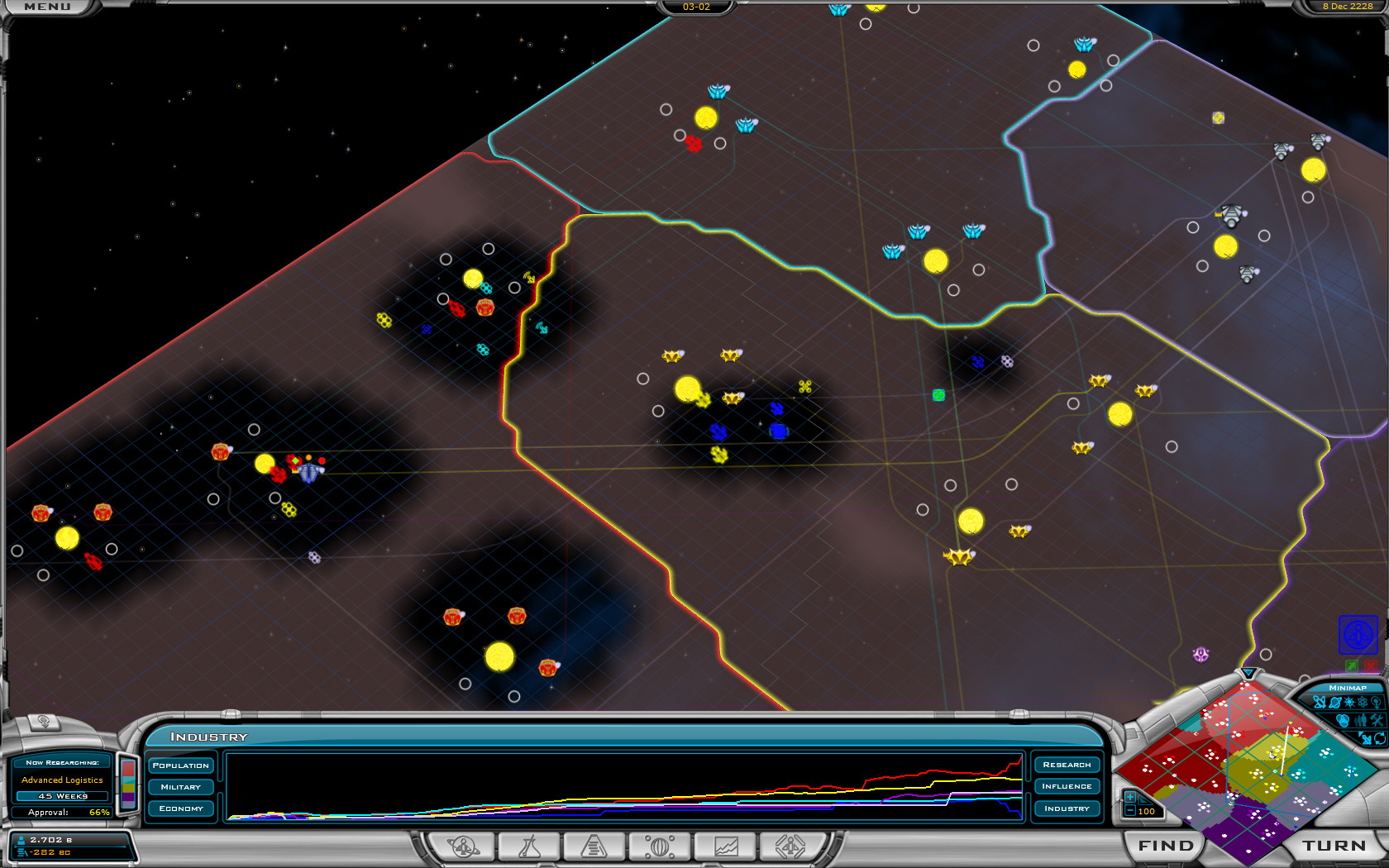
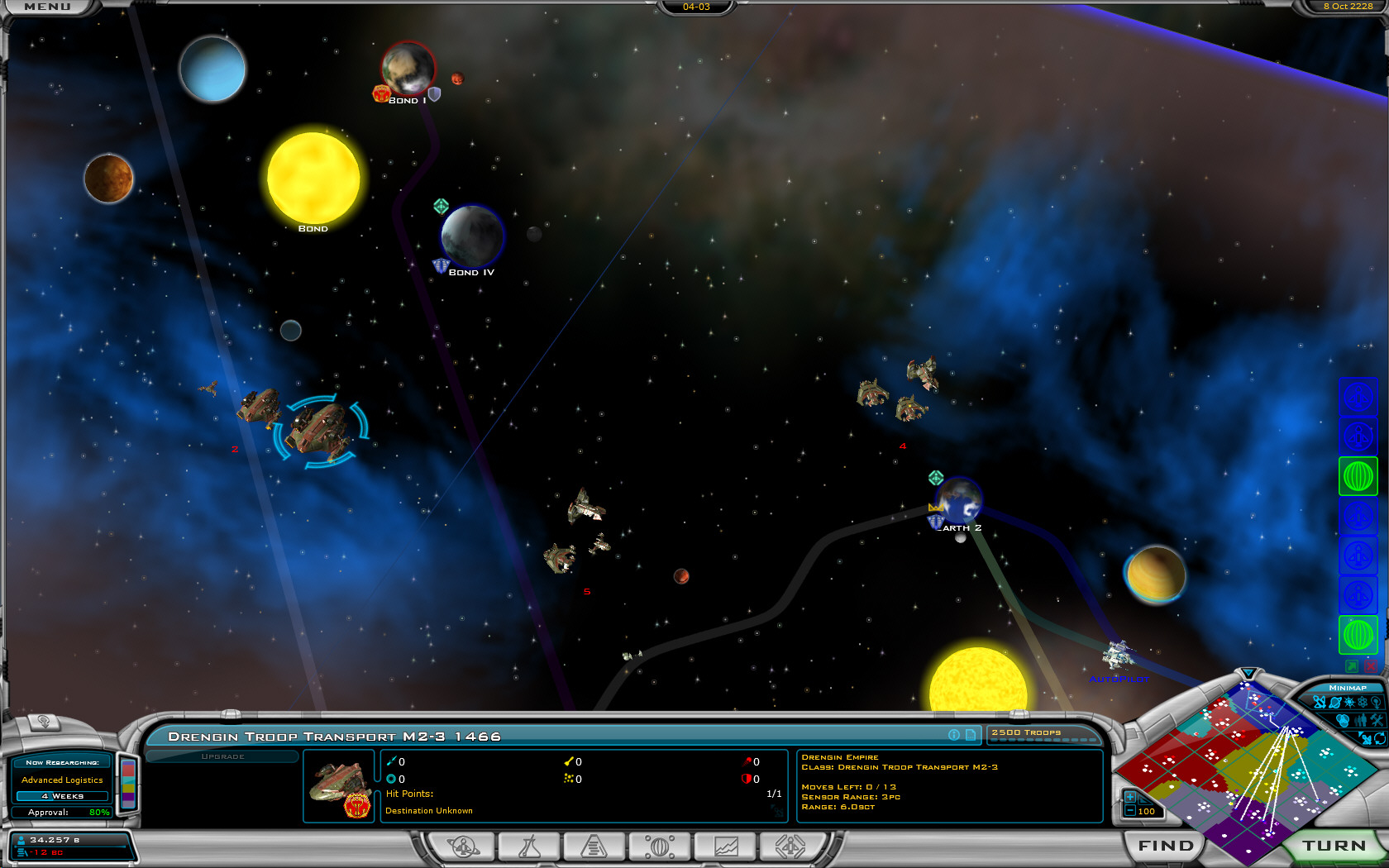
Galactic Civilizations v1.3 beta screenshots

Come for the aliens, stay for the..um.

Galactic Civilizations II is out and in a store near you!

We've also been hard at work making new updates to the game for the past several months.  This past month we've been working on a new version - 1.3 which is a free update to all registered users.

The new update focuses mainly around making UI tweaks, performance, AI enhancements, and more. Not quite as glamorous as 1.1 or 1.2 but for long-time players, many long-requested features and changes are going in. 

The first beta of 1.3 is already available. There will be a couple of additional betas for users who want to try them out available in the coming weeks.

Here are some screenshots:
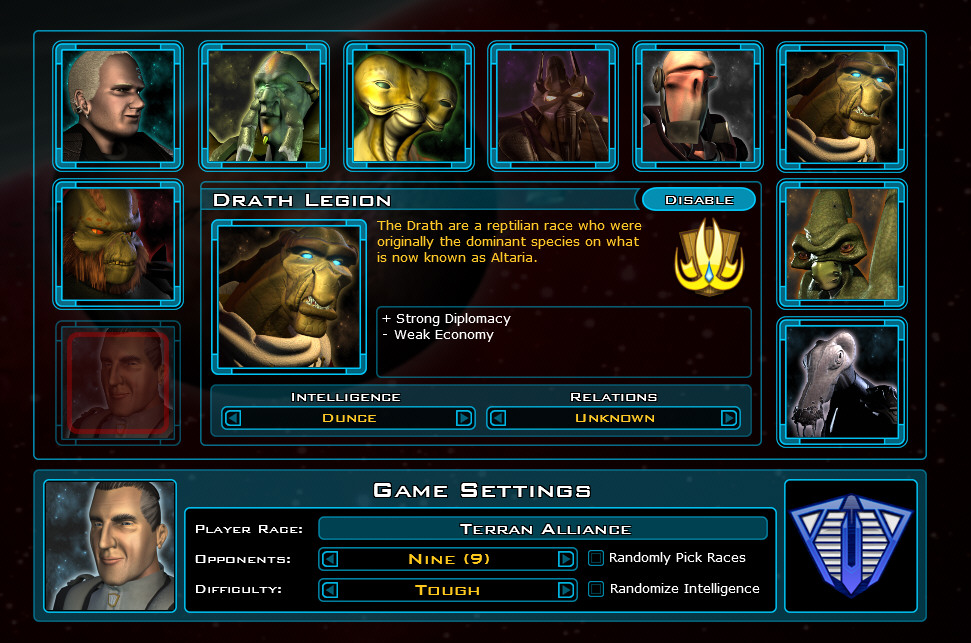

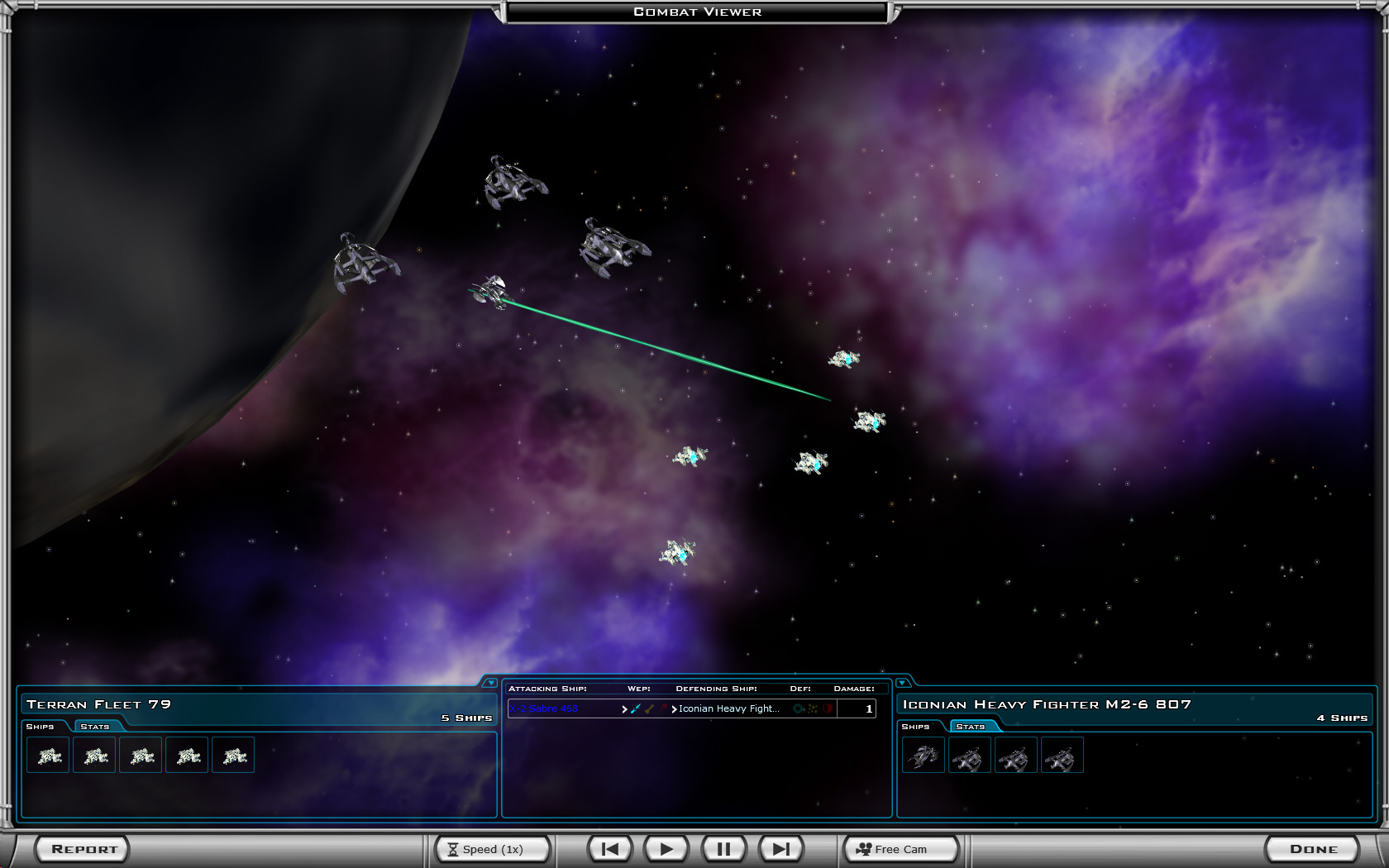
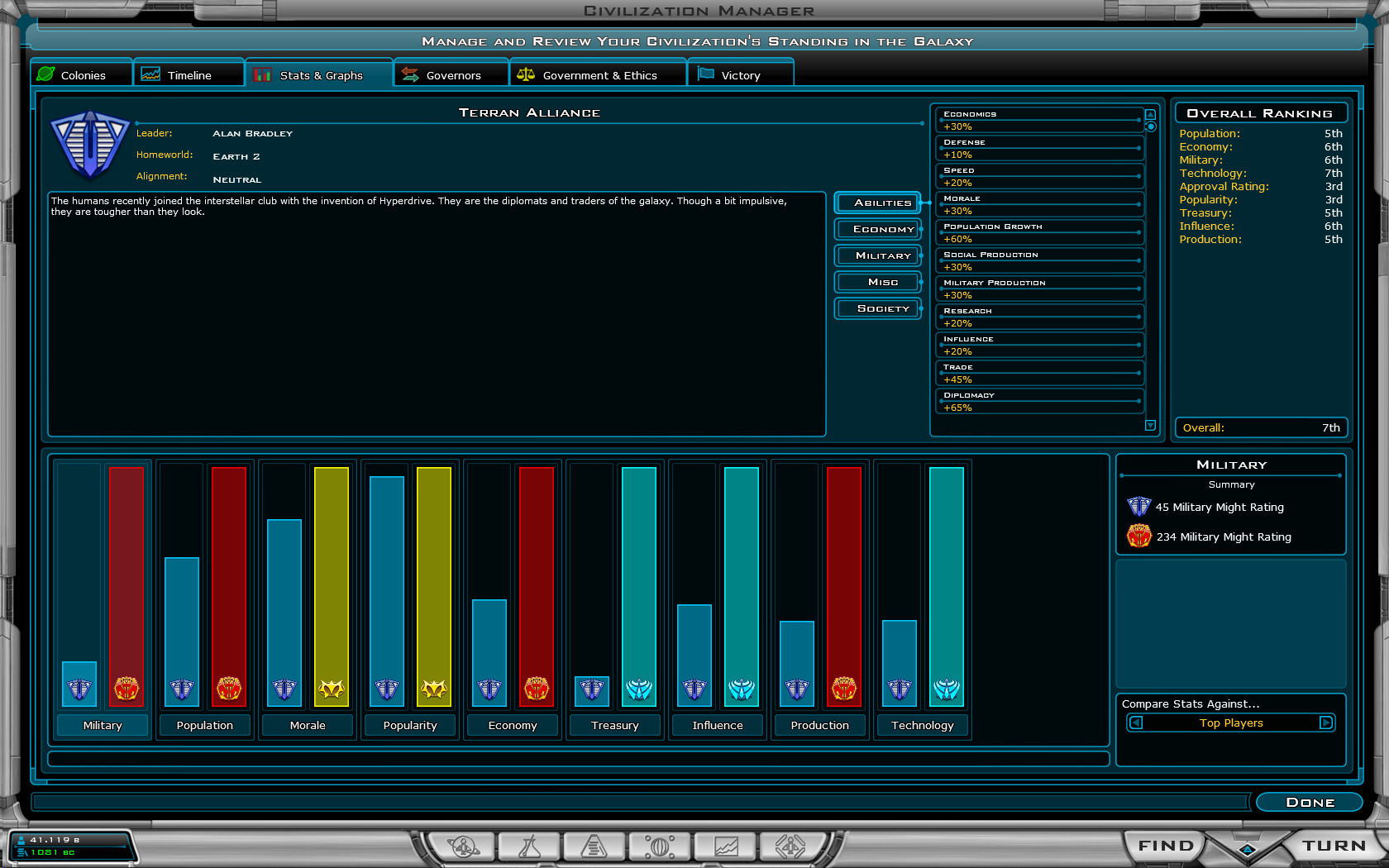
New difficulty levels!
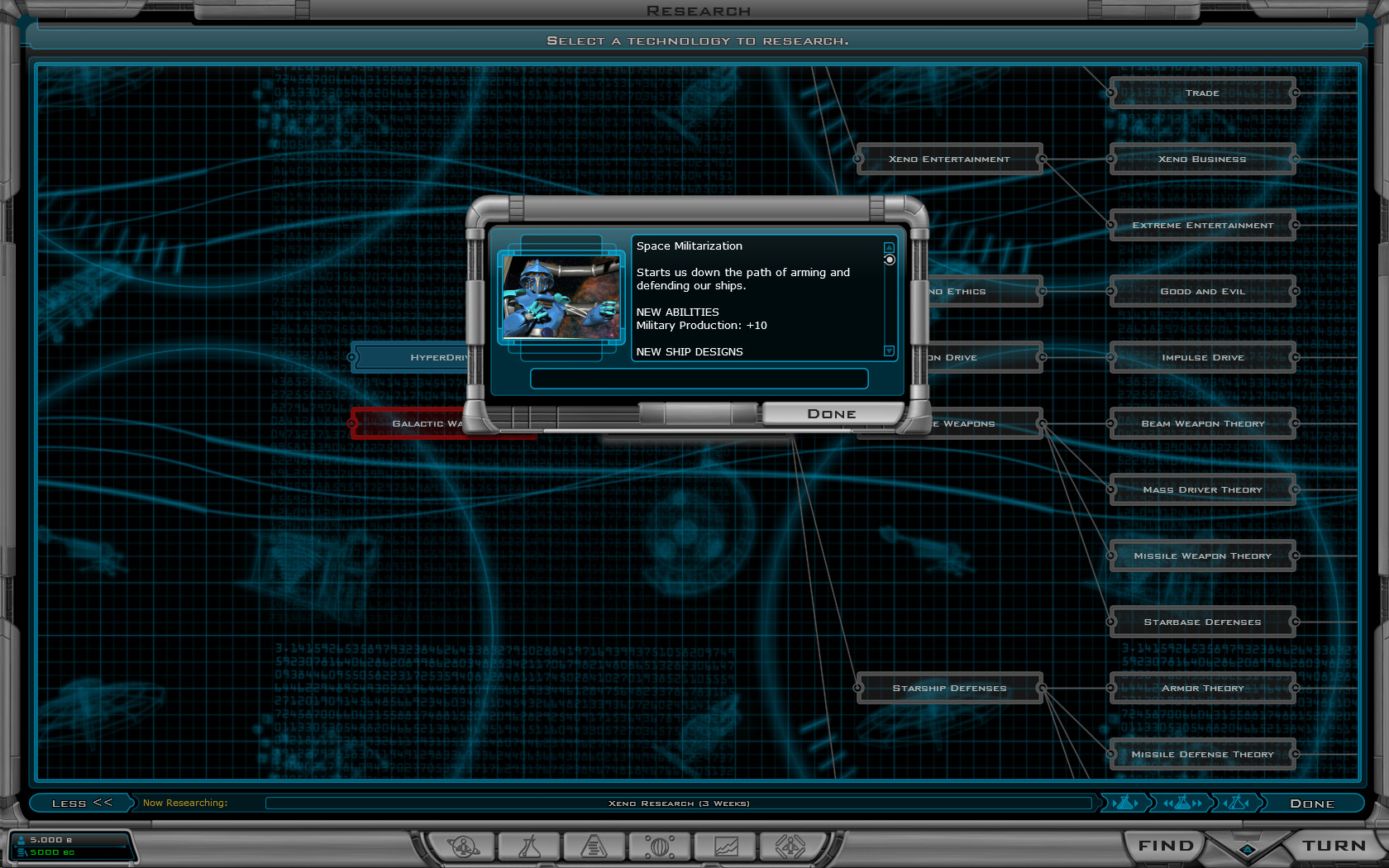

Right-clicking on techs brings up more info now.
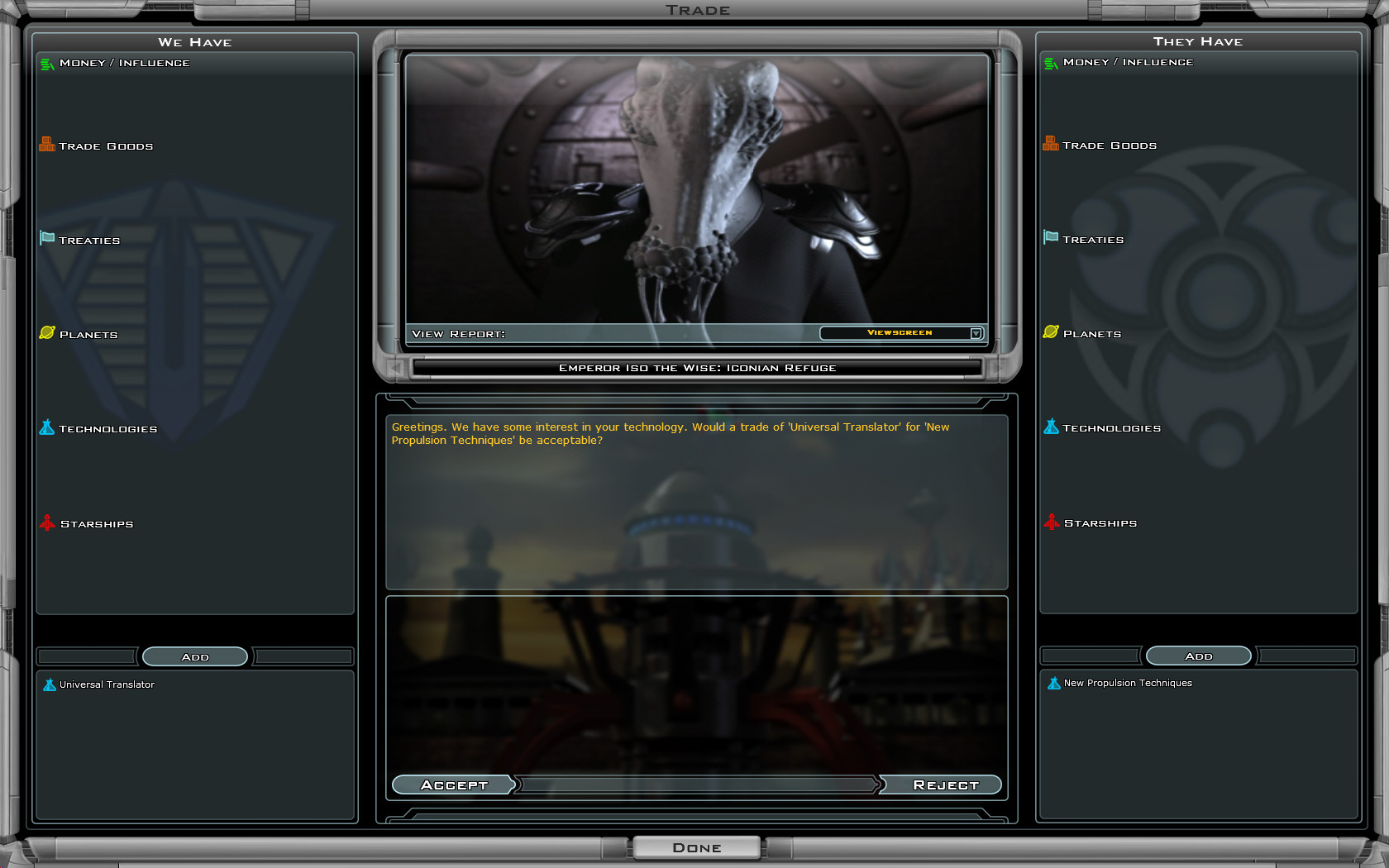

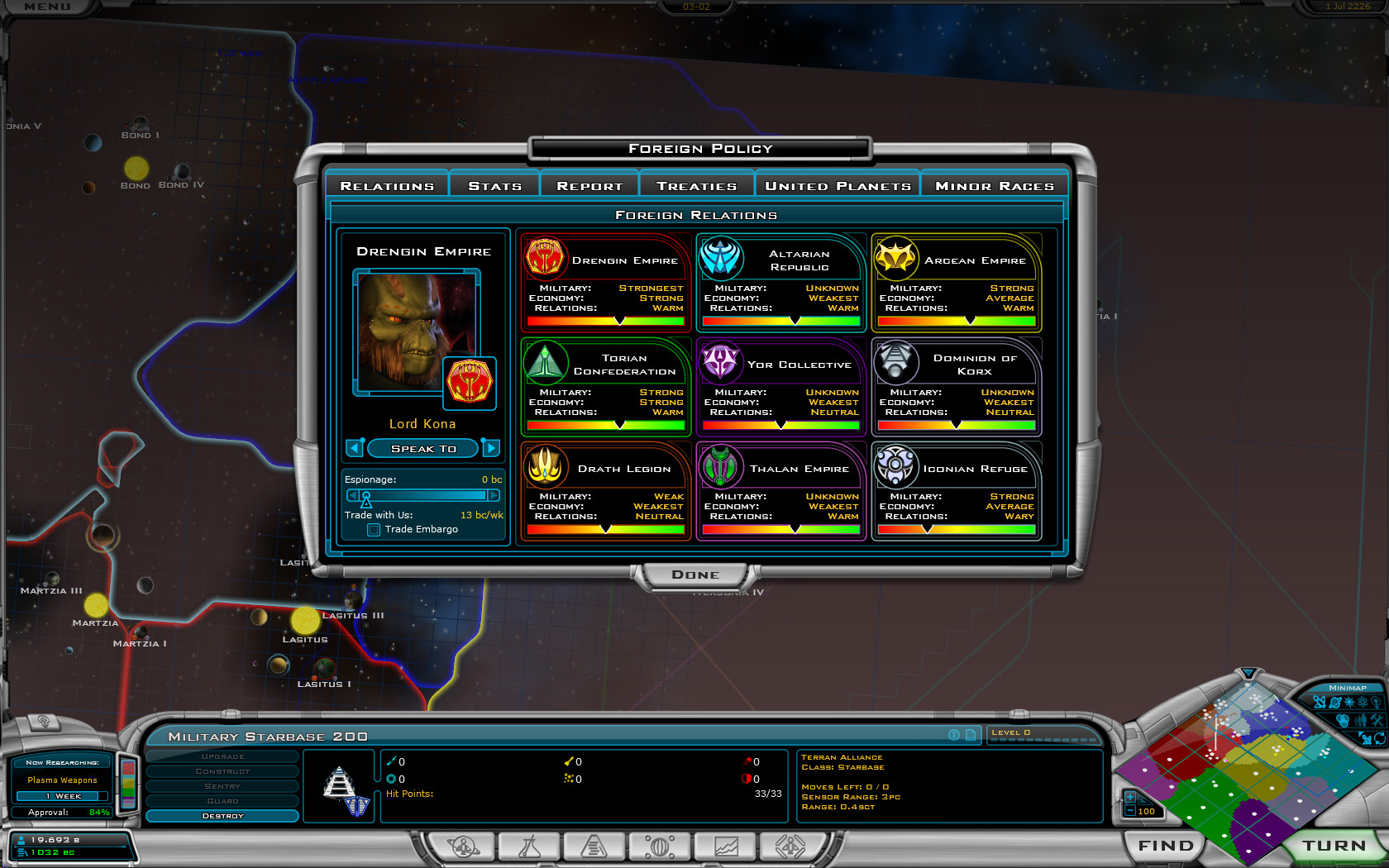
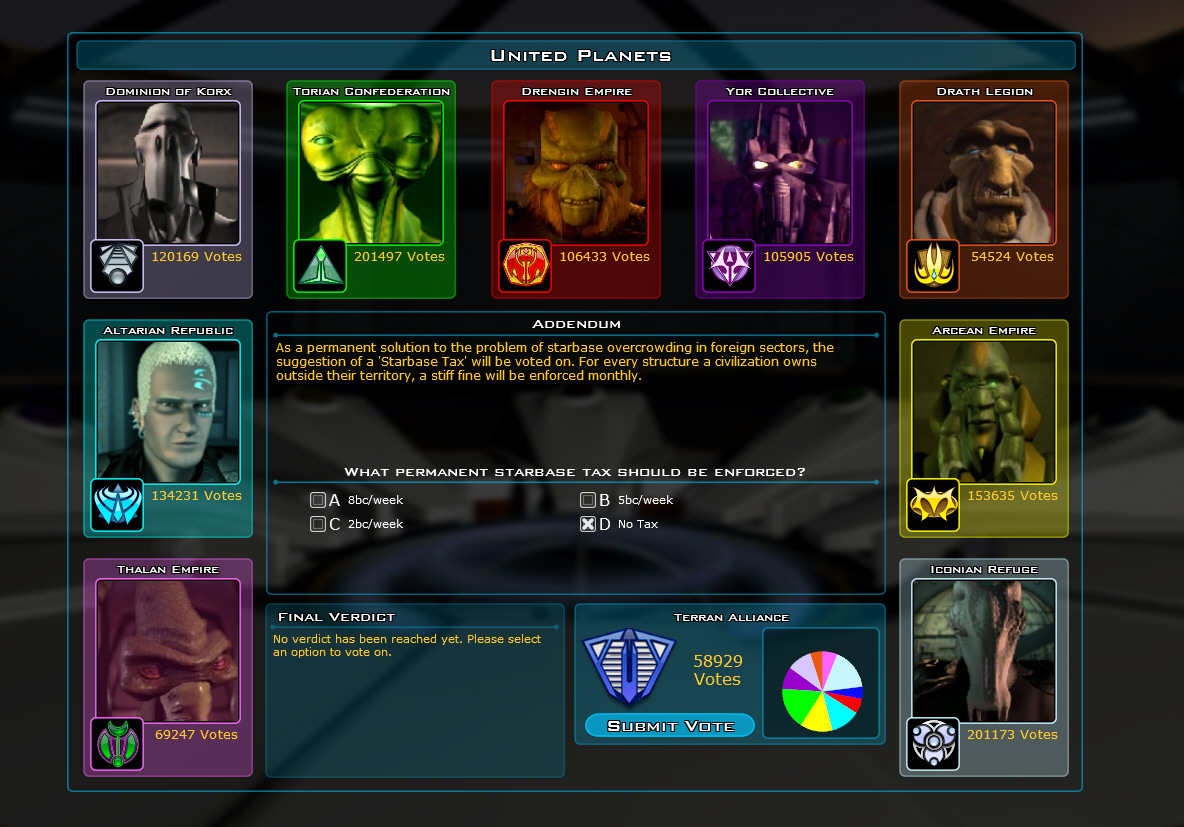
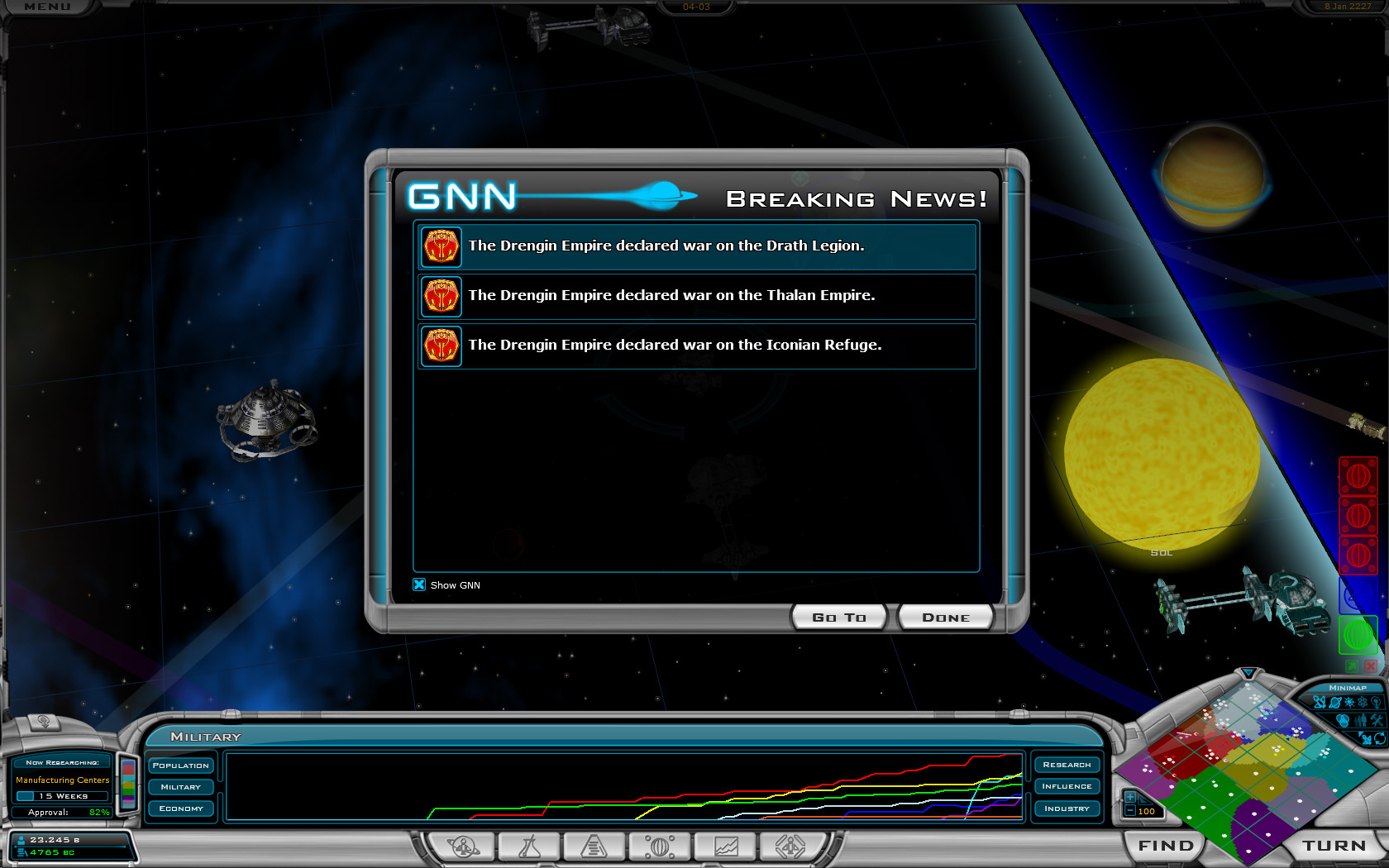
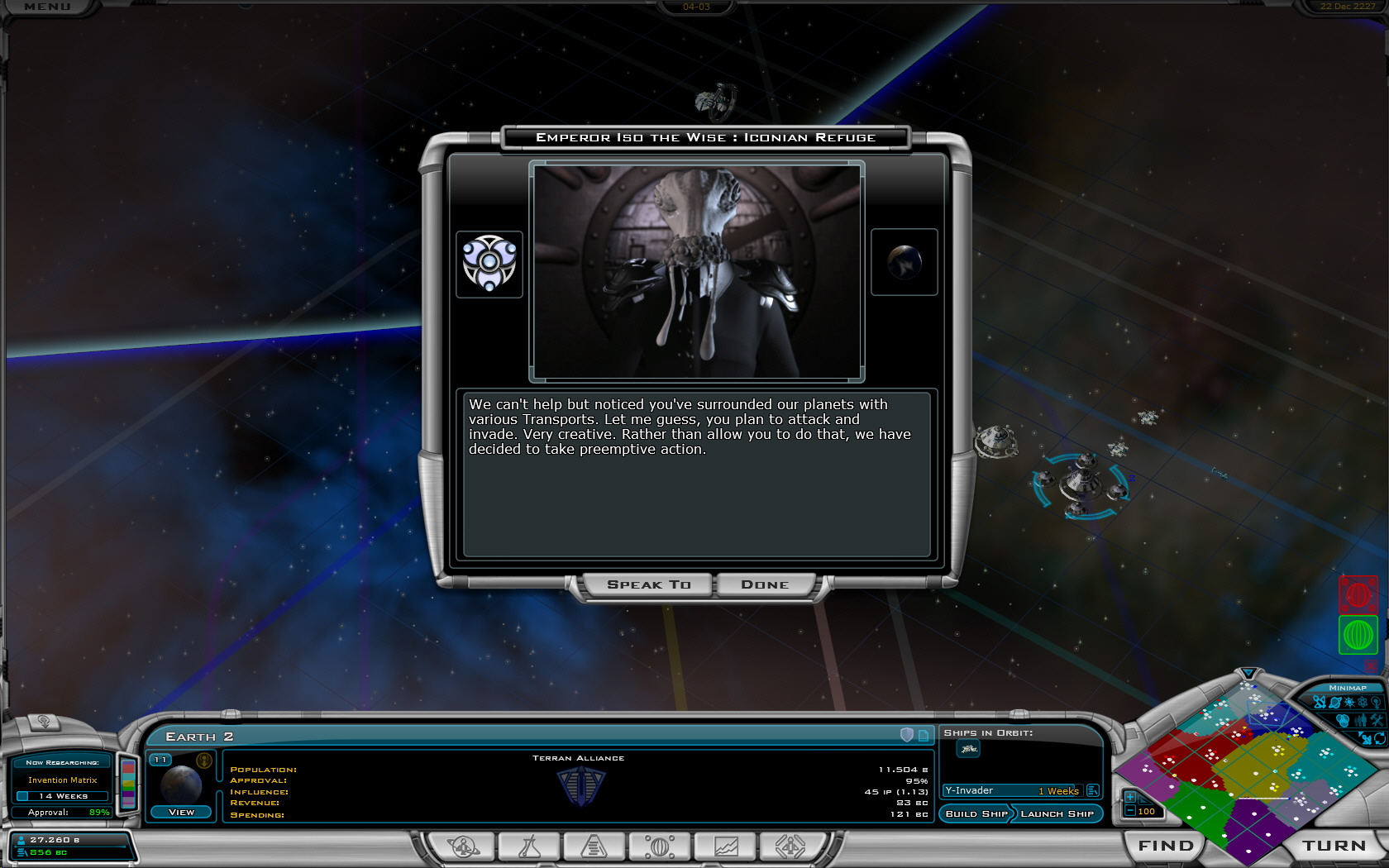
Smarter diplomacy
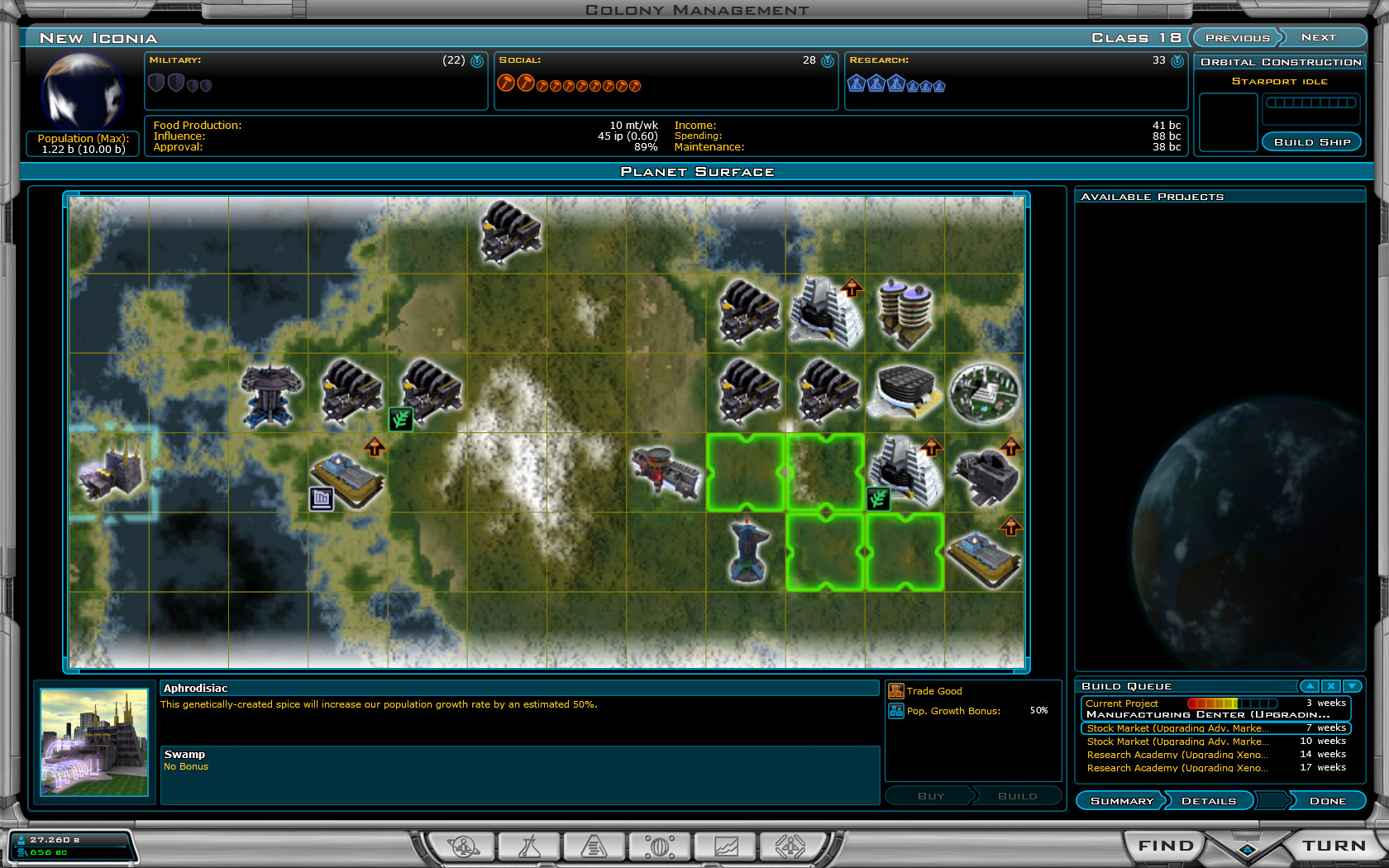

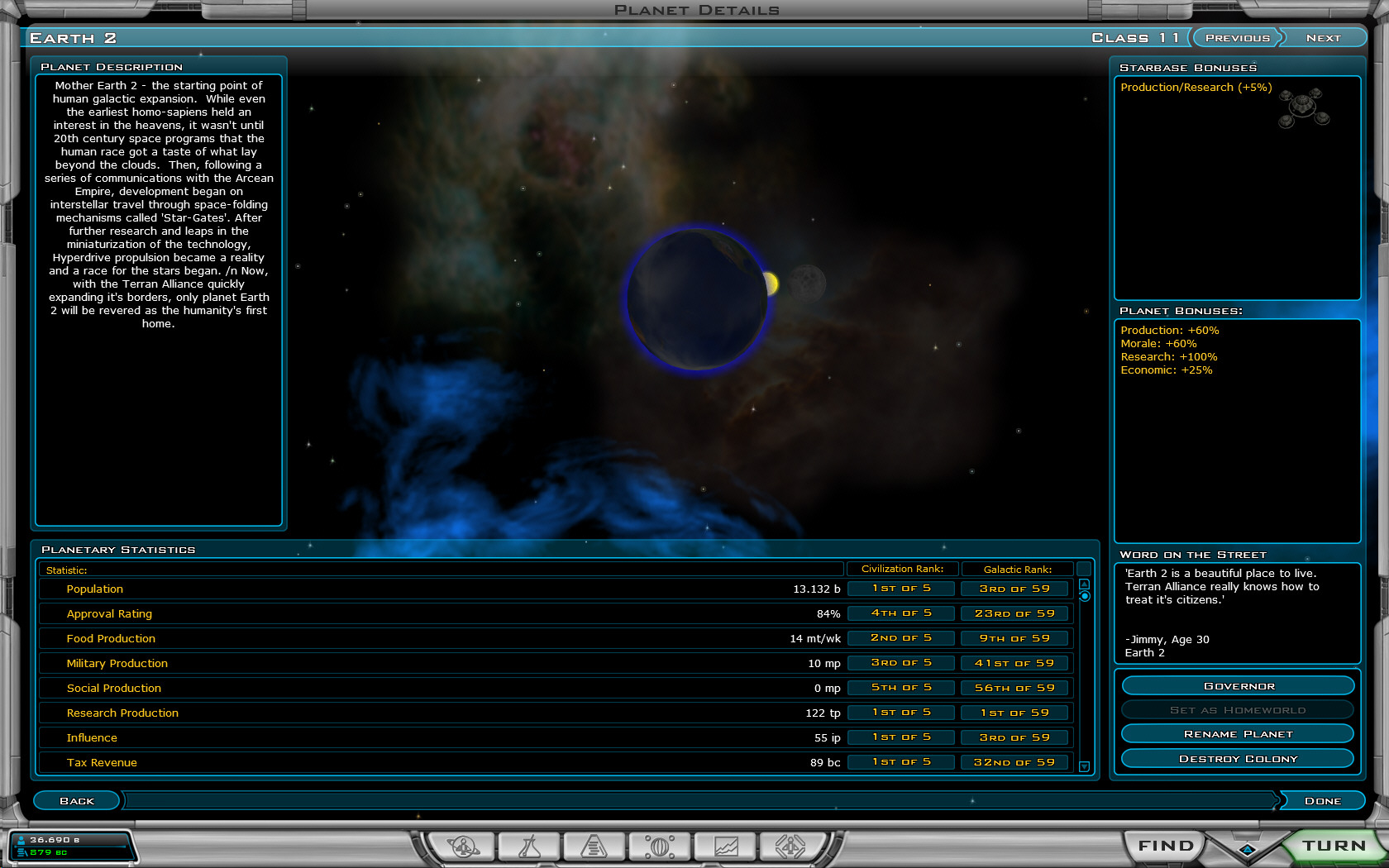
Computer players handle planets better (and in non-obvious ways - won't just plop down an influence improvement on a tile that has a bonus simply because it has a bonus).

Plus...
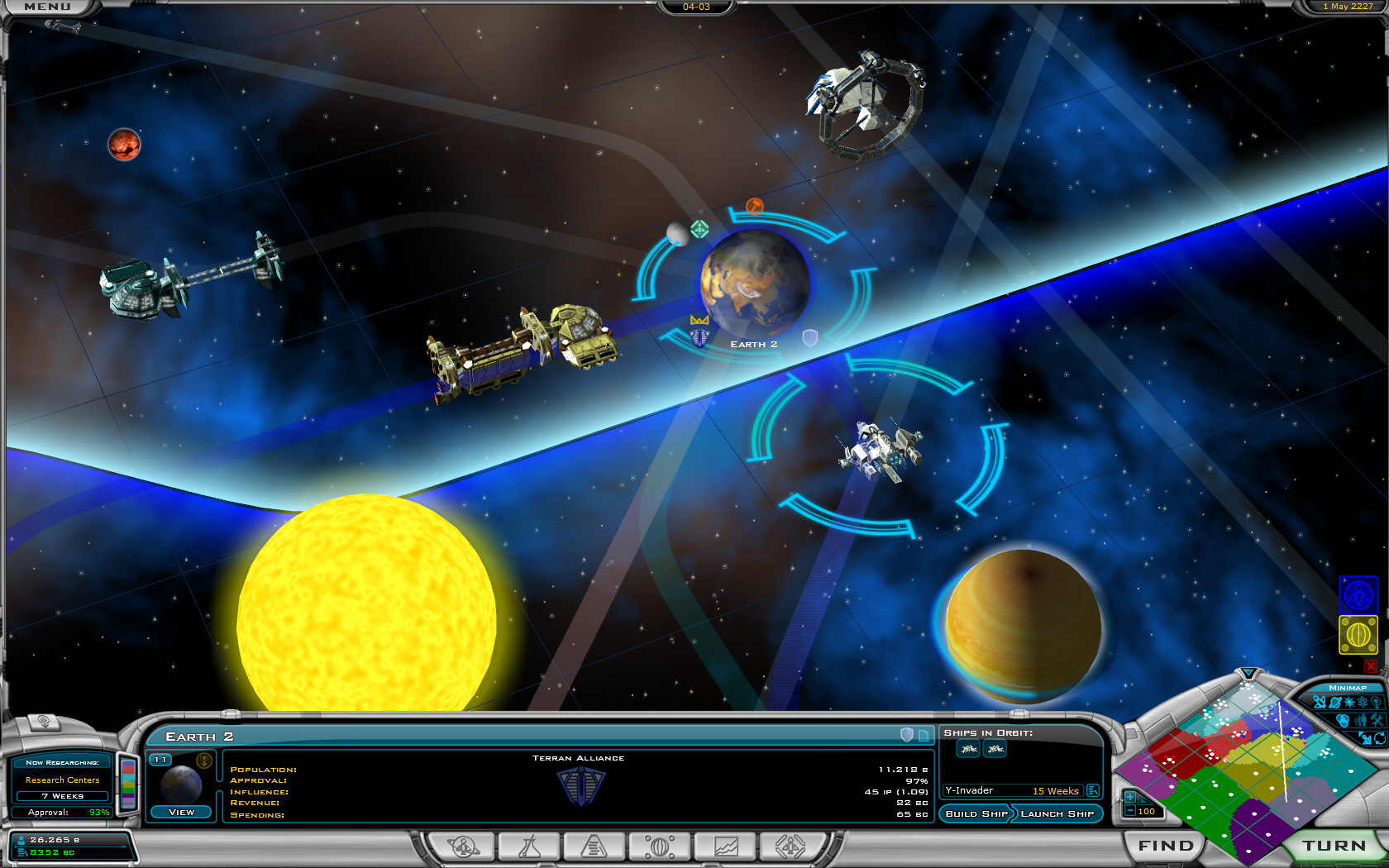


Galactic Civilizations II is at a store near you (or you can purchase it directly and download it immediately).

28,522 views 19 replies
Reply #1 Top
Wow... good job Stardock. Bravo! Claps
Reply #2 Top
Will the AI Finally stop abusing its poor class 21 planets so badly? It depresses me everytime I conquer one and its just got a starport and a factory on.
Reply #3 Top
Nice stuff...  
Reply #4 Top
Galactic Civilizations II is out and in a store near you!


Ugh... it's been out for a few months...not really news.
Reply #5 Top
Ugh... it's been out for a few months...not really news.


U missed the point, 1.3 Galactic Civilizations is news.

    all the developers at Stardock    


Reply #6 Top
Very nice, although I can't see what's so new about some of those lower screenshots. The planet tile screenshot shows a marketplace on an influence bonus tile, even though there are empty "non-bonus" tiles available. (Even if it doesn't want to build an embassy now, doesn't mean it won't later - might as well keep it free for as long as possible).

Perhaps in GC3 you should do away with the tile system altogether, and keep the bonuses "global" (i.e. instead of a 300% manufacturing bonus, have a 20% global manufacturing bonus for all factories). I find placing the buildings a bit boring to be honest. The "improvement list" in the Civ games serves its purpose nicely.

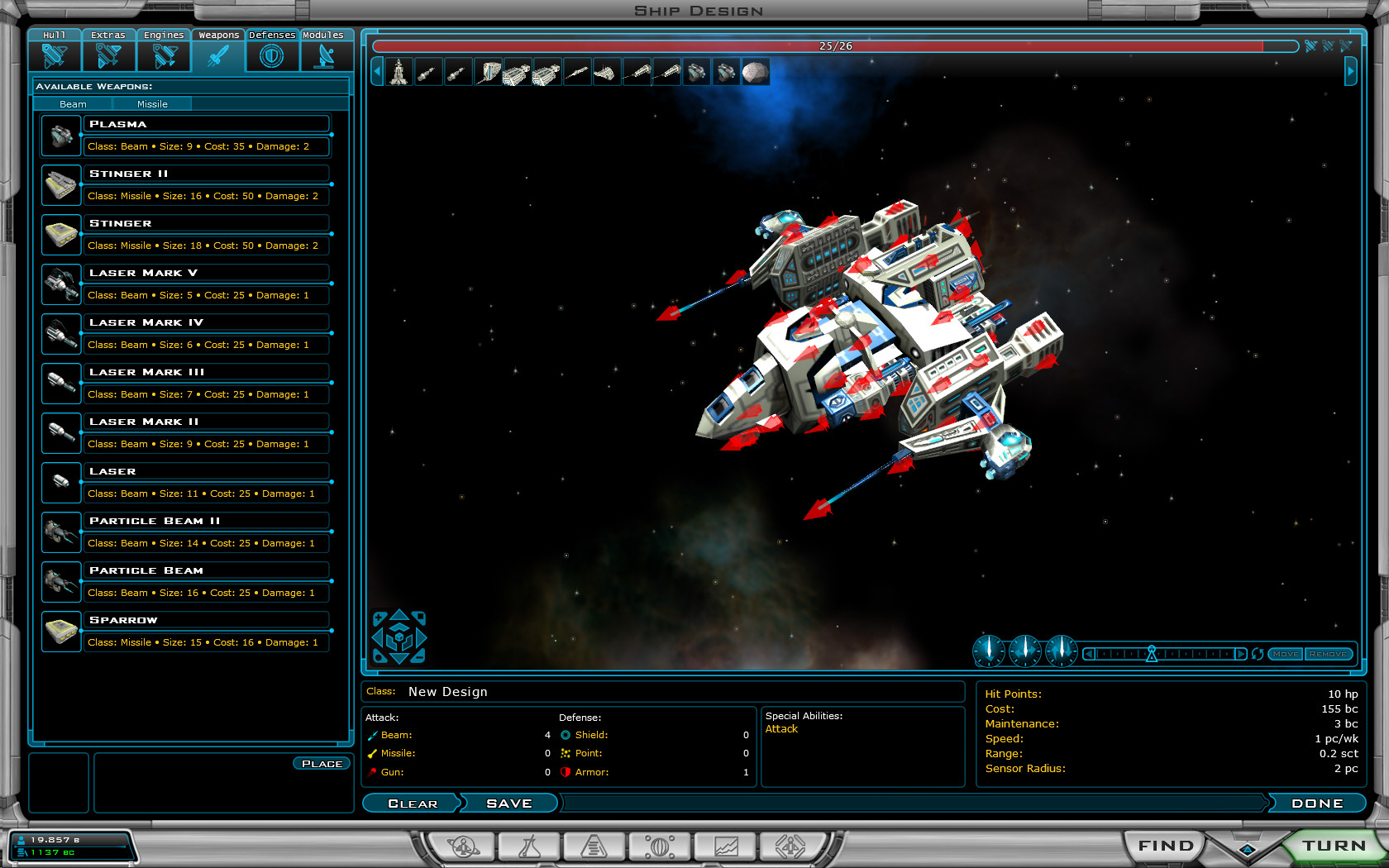
PS: what are the chances of having an option in the menu, so we can stop ship designs carrying over to new games, but still go back to older ones and keep playing?
Reply #7 Top
You write that the diplomacy has improved under one of the screenshots.
However, the computer is cheating (or playing by different rules then the player) in that picture. If he hasn't Universal Translator, he shouldn't be able to speak with anyone at all.
Reply #8 Top
Try designing skeleton designs and save them. Then save new designs (with new weapons and defences) in different name.
Reply #9 Top
What's that? What's that? Do I spy an economic building on an influence bonus tile? Now that's the AI using its noodle! Now if only we can see some farms...

PS Love the little diddy from the drengin
Reply #10 Top

What's that? What's that? Do I spy an economic building on an influence bonus tile? Now that's the AI using its noodle! Now if only we can see some farms...

It actually takes more work for the AI to NOT build an embassy on an influence bonus.  Programmatically, it's trivial to simply do a for loop and queue up the proper building to the tile bonus.  But having the AI decide NOT to use a particular building on a given planet based on a ton of different criteria is far more difficult.  Though I do agree it should have used the empty tile first.  One of these days I'll write an article on why that particular part of the game is so problematic to nail down.

Reply #11 Top
Actually on further evaluation, the blank tiles you see in that one screenshot showed up AFTER soil enhancement. They weren't available at the time they built the trade center.
Reply #12 Top
Quick question on patches..does it override any changes you made to the various files, like ship models, weapons, sounds, etc? Hope thats not a dumb question, but if it does then Ill need to make some copies of files! Thanks!
Reply #13 Top
I think you misunderstood, Brad. I was actually complimenting the AI for building a trade center on the influence tile. The reason why is, as the building upgrades to a stock market later in the future, there's a 15% influence bonus from the stock market. And I think a stock market is more useful than an embassy for survival of a species.
Reply #14 Top
Ah, I see.  It would also appear you know more on some of the parts of the game than I do!   I didn't know the stock market did that which would explain even more since the AI does do those calculations.
Reply #15 Top
I have a few questions/suggestions. Well actually I have many but I'll keep it limited to the ship designer for now.
1. Is it possible in the ship designer screen to have functional components shown on a separate bar than the non-functional?
2. Is it possible to have a "invert colors" selection on the componets so that we can have the main hull color become the accent color for individual parts?
3. Can we have an option that mirrors a part over to the opposite side so that I only have to place it once, instead of having to rotate the hull around after each component is placed?
Reply #16 Top
Hi Lord Mekos!

1. In the top right habd corner of the ship design screen there are three little spaceship icons. Next to the bar showing how much space vs available space you used for components.
The one in the middle shows functional components only. The other two jewelry and jewelry + functional components.

2. Would be a nice idea and give the spaceships even more caracter.

3. Yes please!!
Reply #17 Top
Submitting a beta error report. Is this the right place, or is there another standard?

I'm getting an 'Out of Memory Error' crash when saving my game using the beta. It's a new game created since downloading the beta, and a large map, with a pretty good number of ships. I opened the saved game, played a few turns, and it died doing an auto-save. I tried opening the game again, made a few planetary changes, saved manually, and it crashed again. I do have a few other things running (Firefox, for example), but the galciv2.exe process is using 1GB of RAM (I have 1.5) upon crash, which seems unreasonably large to me. I have over 1GB of free disk space, and it's never crashed before this time on much larger maps using the older version.

Thanks,
S
Reply #18 Top
I'm having the same out of memory error as well. Had the game set to auto-save and was on the largest map possible with the Yor set to godlike and everyone else sub-normal so I could get a heads-up battle with myself against them eventually.

Was plugging along nicely, then get the out of memory error and the game freezes (ctrl-alt-del gets me back to the desktop where I can click the ok button on the error and then galciv2 closes)

I go back into the game and find that the save file is no longer there (the auto-save file) So I load from my own save file and when I try to save back to it I get the out of memory error and when I get back into the game again my personal save file has disappeared, reducing me to just the backup auto-save left.

Any attempts to manually save after completing a turn or before I finish my turn result in the hang and memory error bug.

I have 2GB of memory, and have tried restarting my computer as well. This blows, I spent all that time and now cannot progress.   
Reply #19 Top
I have install the new 1.3 beta and the somethink hapent with the gragraphics in the game. Have you see that anyone in yours pc?