Dual monitor support

Dont know if this has been mentioned but does GC2 support it. I want the galactic map on my secondary monitor please!
30,376 views 22 replies
Reply #1 Top
no one answers me bump (sobs quietly)
Reply #2 Top

yes and no.  How's that?

I believe you can run the game in such a way that the game will occupy partsof both monitors. 

But there's no way to just plop a map on the other monitor (not easily anyway).

Reply #3 Top
It would be nice to have strategic (sp?) view on one monitor, and a very blown up map filling the other. Kinda like what happens on the Nintendo GS.

Maybe I should have mentioned this months ago?
Reply #5 Top
Well I'm not a full fledged DirectX/Windows dev, so by all means correct me if I'm wrong, but doesn't a lot of the issue come with a non-standardization of how Windows deals with dual monitors? I know that nVidia and ATI both have their own dual monitor support in their drivers, as well as the windows support. Aside from that, different cards/drivers have different support for either 3D acceleration on only one monitor or both. Some support full 3D on any monitor, some support only 1 monitor, etc. Working out the logic (if it's even possible, as you'd have to know specifics on all drivers/cards and be able to poll for said info before init) for that would be a major pain IMO.
Reply #6 Top

Under Windows XP, multi-monitor support is fairly straight-forward, but it would still require some non-trivial effort to get it going.  However, the problems really start to appear with older versions of Windows, especially Win2K.  While a multi-monitor feature would be cool, there are lots of other yet-to-be-implemented features that trump it.

Reply #7 Top
I am sure it would be a lot of work to get independant views on the second monitor. But I bet there's a lot of people just running in "horizontal span" mode so the game sees them together as one wiiide monitor. Seems like anyone who knew something about desktopX could readjust the window positions to help out the folks using spanned monitors.

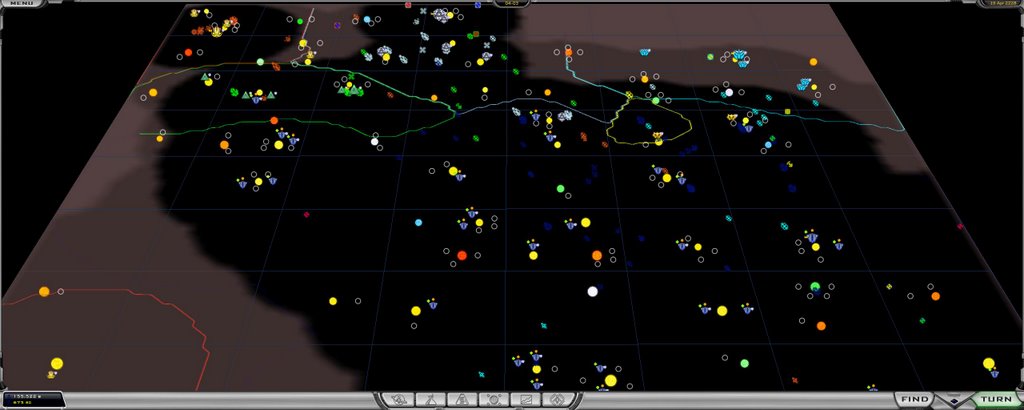
Even with the dialog windows in the center, the game still is awesome on dual monitors!
Reply #8 Top
I have a ati X850xt on windows xp and would love to know how to get the game to "horizontal span"
XP lets me extend the desktop but I cannot get the game to expand even with fullscreen turned off
Do I need any other software. or is it something with the game I have to change. Like reinstalling it after the second monitor is connected?
Reply #9 Top
I use two 19 inch monitors all the time. One LCD on CRT. Both on the same resolution. I don't have any problem at all extending a window across both screens or dragging a window from one screen to another or having aa window expand across both screens on any other program except GalCiv2.

I am running in windowed mode at the same size as my desktop.


When I When I try extending my Galciv2 window across both screens or I start in 90 degree portrait rotated mode on my main (LCD) monitor which has the Galciv2 program running,, .. The mouse cursor (windows default) cursor almost freezes and seems very very slow and not repsonding like normal.

I have given up on it and now just run the shareware galectopedia or other side programs on my second monitor.

GalCiv2 is the only program I have notice this problem with. All MS Office programs work fine as well as other windowed programs.

If I could get to work I would like to open the colony manager screen or tech screen or AI in a different window and have that run full screen on the second monitor.
Reply #10 Top
Just did some experimentation. I can get the game to work on both monitors.

I set the resolution manually in the pref.ini to 2560x1024.

The problem with the mouse cursor and slow movement was the anti-aliasing. When I set it to 0 the game worked. When I set it to 6 the problem surfaced. Fullscreen or windowed options had no effect.

On observation, though. The game is very usable over the two monitors, but the dialog screens are exactly in the center of the screen. It would be nice if a setup option allowed them to be placed the right or left side of the screen . That way they would appear on onemonitor or another. I think Win XP default is to have the left monitor your main one.

Flash , movie and setup screens and animations are streched. I noticed this when I was also playing at 1024 x 1280 rotated resolution. No bigge but the animations are squashed and you get short fat aliens.

One weird thing though. I can manually setup 2560 x 1024 in the pref ini file and it plays ok. But As soon as I start the game the resolution resets on the options screen to 1024x800. And rewrites the pref.ini file so that the next time I start it the game start 1024x800. Weird. I have to manually edit the pref.ini file every time I want to start 2560x1024. Just Weird.

The anti-aliasing problem may be just because of the power of my ATI Radeon 256 x800 Dell Graphics card or the fact that I am transitioning from my LCD monitor to CRT monitor, but by reducing it to 0 the problem seems to go away. I have not tried it on the 1 to 5 settings yet.

Hope this helps.

Reply #11 Top
Just did some experimentation. I can get the game to work on both monitors.

I set the resolution manually in the pref.ini to 2560x1024.

The problem with the mouse cursor and slow movement was the anti-aliasing. When I set it to 0 the game worked. When I set it to 6 the problem surfaced. Fullscreen or windowed options had no effect.

On observation, though. The game is very usable over the two monitors, but the dialog screens are exactly in the center of the screen. It would be nice if a setup option allowed them to be placed the right or left side of the screen . That way they would appear on onemonitor or another. I think Win XP default is to have the left monitor your main one.

Flash , movie and setup screens and animations are streched. I noticed this when I was also playing at 1024 x 1280 rotated resolution. No bigge but the animations are squashed and you get short fat aliens.

One weird thing though. I can manually setup 2560 x 1024 in the pref ini file and it plays ok. But As soon as I start the game the resolution resets on the options screen to 1024x800. And rewrites the pref.ini file so that the next time I start it the game start 1024x800. Weird. I have to manually edit the pref.ini file every time I want to start 2560x1024. Just Weird.

The anti-aliasing problem may be just because of the power of my ATI Radeon 256 x800 Dell Graphics card or the fact that I am transitioning from my LCD monitor to CRT monitor, but by reducing it to 0 the problem seems to go away. I have not tried it on the 1 to 5 settings yet.

Hope this helps.

Reply #12 Top
I set the pref.ini file to 1920 x 1024 and that moved the screen to all of my leftside ( LCD) monitor and half of my rightside monitor. That moved the dialog boxes over to the left side. Cool.
Reply #13 Top
Thanks so much for the help Kosty.

I had exactly the same problems as you did. I managed to get the windowed gameplay a little into the second screen (By luck not judgement) but same thing happened with the mouse.

I cant get it to work fullscreen. and I have heard that windowed games use much more resources. Do you know if thats trus?

I have now set the prefs.ini and it works great.
I tried it on both resolutions you suggest and the boxes are easier to read in 1920x1024 but you do get a more imersive experience with 2560x1024.

Not sure which I prefer yet, it will depend on whether the split info boxes get on my nerves.
I also get the prefs.ini rewriting back to default but I have a shortcut for it next to the game icon so no hassle for the benefits.

I just hope that the developers put an option in the next expansion to open Dialogues in the left or right screen
That would make an awesom game even better. I'm going to start my 3rd game so loads more learning for me yet.

Thanks again for the help Kosty.

MD
Reply #14 Top
MD

What speed is your CPU? I find that the windowed game is more stable because it stop having the game stop and freeze everytime I use another program or hit the windows key. Using windows mode you can use the excellant galactopedia in the open space on the right side.

I am going to exepriment to find a setting that works best.


Link


Reply #15 Top
Kosty

I have a athlon 3500+ 2.2GHz and an ATI x850xt-PE. (just looked and it's well above minimum spec.)
I assume most processor power goes to the AI anyway. Far better than stunningly pretty but pig thick computer opponents you find in so many games. Like the computer game version of Baywatch!

I just got that Galactopedia you mentioned. Fantastic. Especially the info about the tech tree. and what is needed to buils certain items. It gives you enough info to get the idea without droning on for pages like some ppl do.

As a newcommer to the whole strategy game thing it will definately come in real handy.

the fact that you can leave the game window without it minimising is a real bonus.I cant get over the size of the map and tech tree. saves soo much scrolling and I can play maps much closer also..

Let me know how you get on with your testing.

Oh while i remember. Is there anyway to change the font size in game. Not essential but it could be slightly bigger in an ideal world.

Keep up the good work

MD
Reply #16 Top
No font size change I can see.

Just tried 2200 x 1024 ( and 2048 x 1024 and 2000 x 1024)

Current favorite is 2200 x 1024 windowed, no anti aliasing.

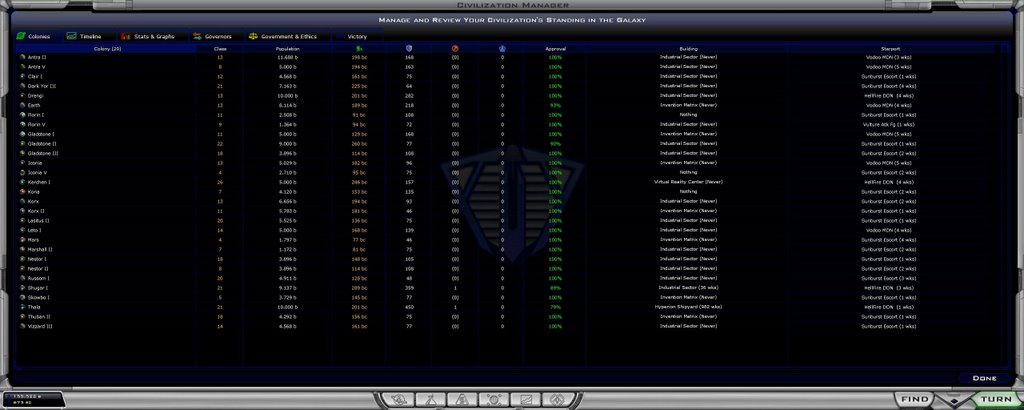
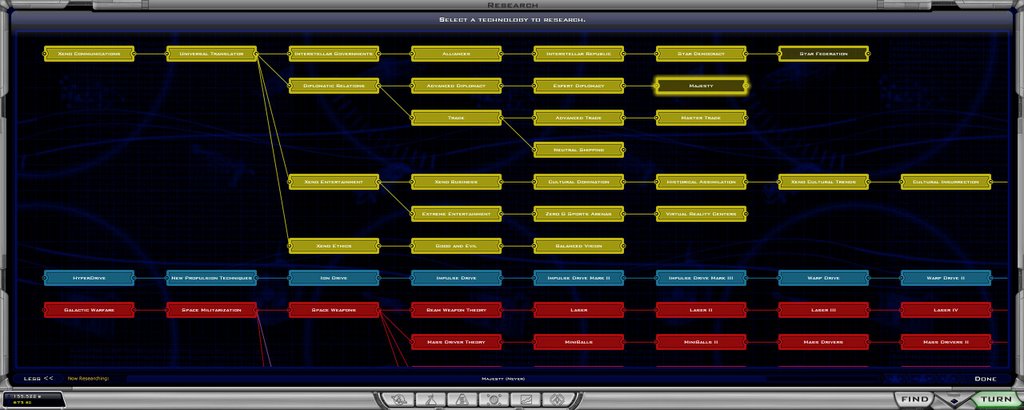
The Civ manager (planet colony list) screen splits across the two monitors between the approval and builing columns (sweet) and the domestic policy screen splits nicely between income and expenses! The Diplomacy screen spilts between your race and the Ai, and the Ttreaties Circle Line Diagram is all on the left monitor.

And the centered popup screens have all their text all on the left monitor.

The only thing that is irratating is that the ships rotating on the ship design screen are half on one monitor and half on the other monitor when they are rotating.

That setup uses all of my left side monitor and 75% of my right monitor, with room in that other 25% of the right monitor for the galectopedia to stay up all the time.
Reply #17 Top


Reply #18 Top
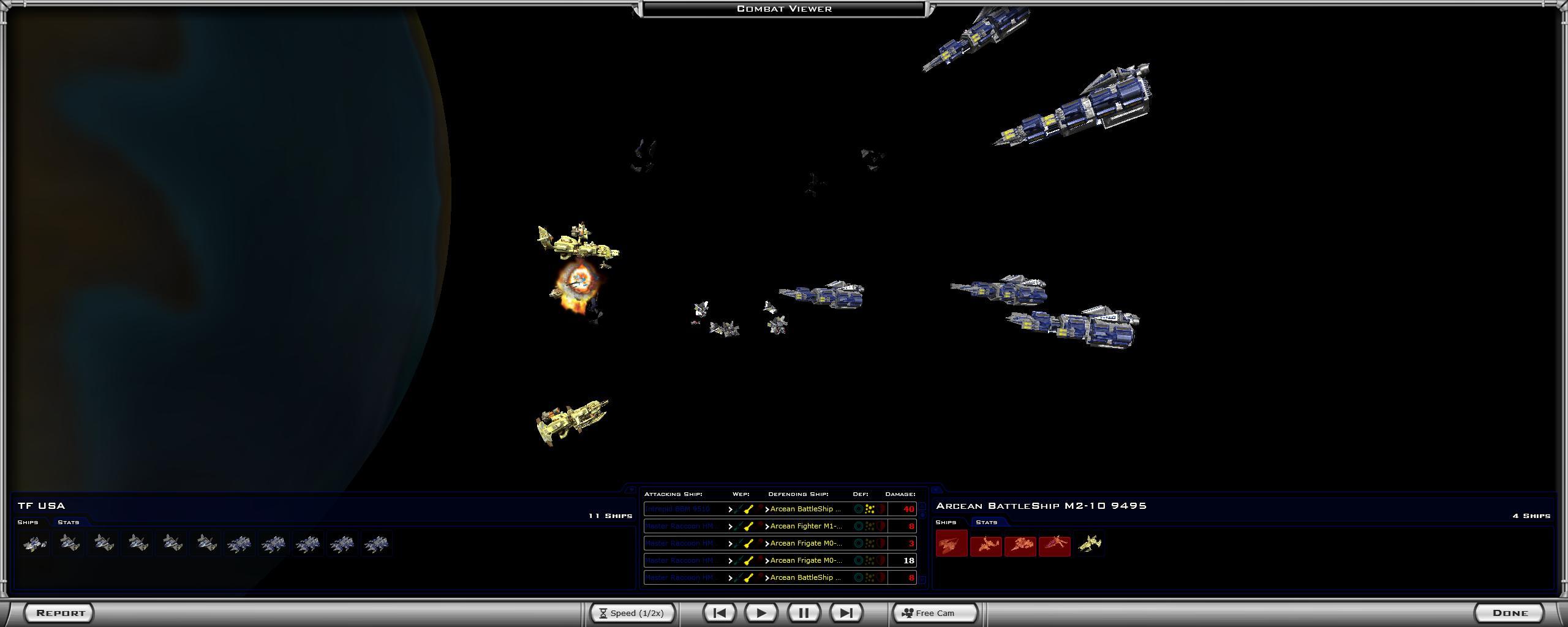
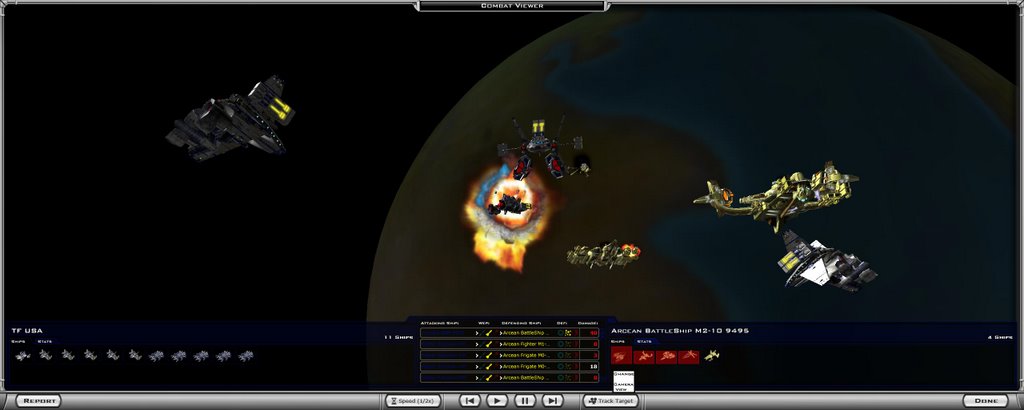
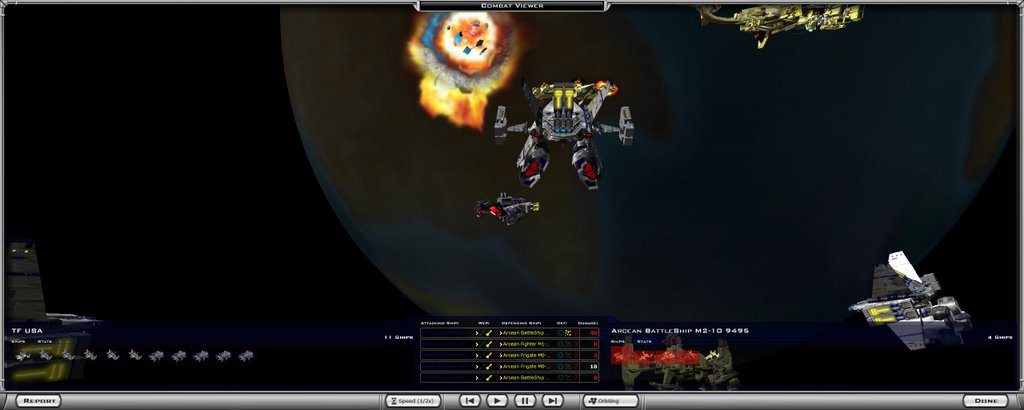
Actually I think I like the game now fully spread out on two monitors. The planetary fleet battles at half speed now look more epic in scope, especially free cam mode and orbit and center out. Cimematic is nice too.
Reply #20 Top
lets continue discussion on this thread


Link

Reply #21 Top
i just adopted my friend's old monitor. i'm not trying to play on two screens; i'm just trying to use the second screen for multi-tasking.

i've noticed GC2 freezes when i ctrl+N. sometime the first time, but i've never been able to do more than 4 ctrl+N's in this hardware configuration. kinda annoying. i've tried all permutations of full screen vs. windowed and hardware cursor on/off.
Reply #22 Top
I wanted to add a little to Dystopic's issue. I believe he is on DA and I also have that exact same problem with DA on a dual monitor setup. I have had dual monitors the entire time I've had DA so never knew that might be the cause. This does not happen with DL, only on DA. I haven't checked to see if TA retains the issue yet, but I will next time I play it.

Anyone that is not having this problem with DA on dual monitors, please be so kind as to let us know what setup you are running like:
Desktop. Horizontal span, dual view or other?
Game. Windowed or not?
Resolution. Matched to desktop or independent?

Thanks for any help you can provide as I would like to find where the problem lies and eliminate it if possible.